Restoring your images and input…
PicCat batch image compression tool supports compressing multiple JPG, PNG, and WebP images at one time, and can uniformly control the output quality, format, and file size. It is suitable for batch reduction of e-commerce product images, website materials, public account images, and album photos.
The page will display the upper limit of the batch quantity according to the current functional configuration. The larger and more numerous the images, the greater the processing time and browser memory usage.
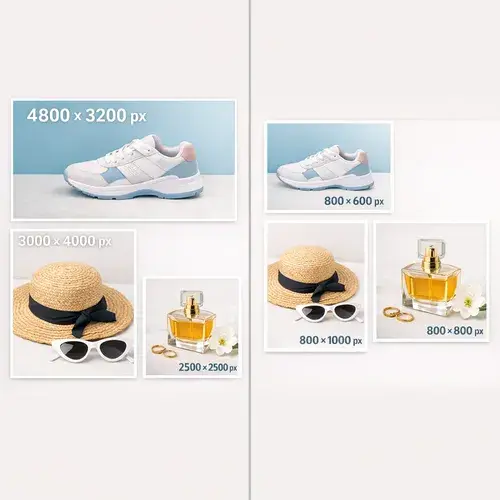
Compression mainly reduces file size and does not necessarily change width and height. If you need to unify the width and height, it is recommended to use the batch resize tool.
It is recommended to retain the details of the main body of the product and the clarity of the text, and do not over-compress for the sake of a very small size. The main image, detail image and evaluation image can use different compression strengths.