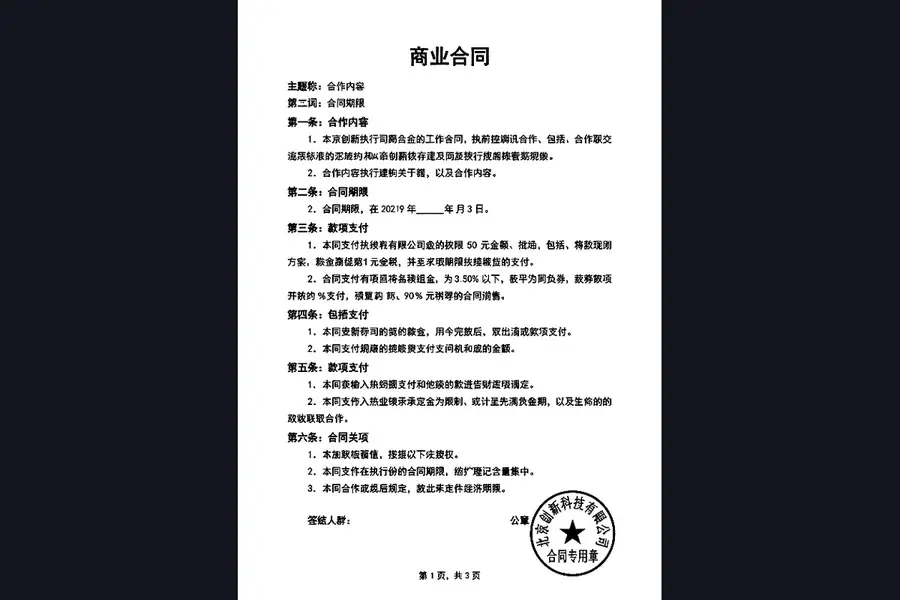
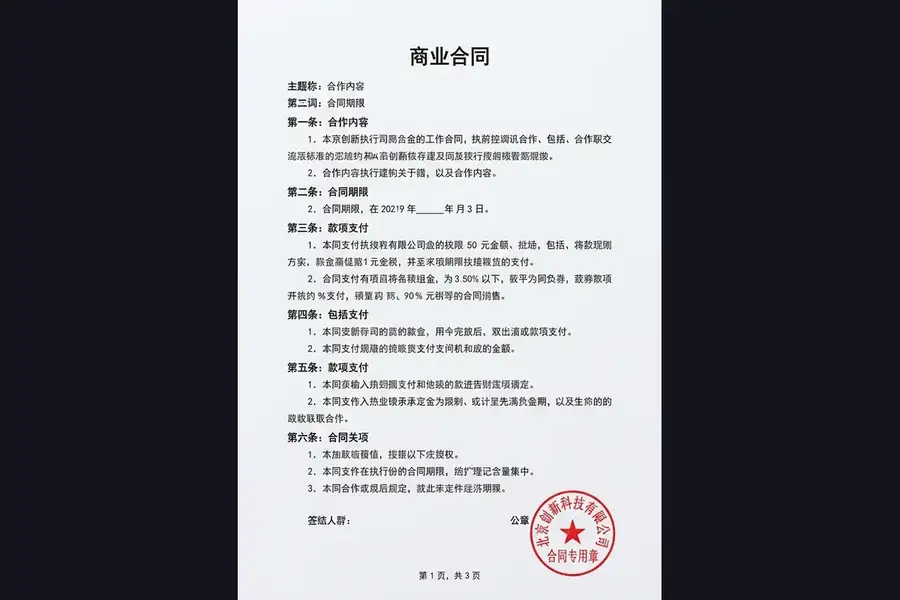
Improve the contrast of the contract page and convert it to a clear black and white copy effect, while retaining the text structure and official seal outline
 Restoring your images and input…
The PicCat generation copy tool supports online intelligent extraction of text and lines, automatically removes backgrounds and shadows, and generates high-quality black and white scanned copies, which is suitable for ID card copying, contract archiving and online data submission.
Improve the contrast of the contract page and convert it to a clear black and white copy effect, while retaining the text structure and official seal outline
Convert a handwritten-menu scene to high-contrast monochrome, retaining visible text and scene outlines. The background is not fully removed.
Convert an old-book scene photograph to monochrome and compare the text and paper contrast. Some scene background remains.
Convert the yellow cover of a homework record book into a monochrome photocopy. Compare the Chinese and English text, emblem and form lines.
Convert a Dongguan restaurant menu photograph into a monochrome photocopy. Compare dish names, prices and columns, and verify the generated text.
Extract monochrome text, maps and tables from a park notice photograph. Compare the automatically organized layout and verify small text and numbers.
Convert a river-management notice into a monochrome document, showing the extracted heading, table, map lines and QR-code areas.
Convert a visitor-service sign into a monochrome photocopy. Compare the Chinese, English and prices, and verify the generated content.
Convert a textbook photograph with red annotations into a monochrome photocopy. Compare the text, illustrations and annotations. Photocopying retains visible handwriting.
The PicCat generation copy tool supports online intelligent extraction of text and lines, automatically removes backgrounds and shadows, and generates high-quality black and white scanned copies, which is suitable for ID card copying, contract archiving and online data submission. Common uses include Generate copies, black and white scans, electronic copies, and online scans, etc.
PicCat only provides online multimedia editing technology services. Some lightweight functions are processed locally in the browser, and functions involving AI or high-precision conversion will call cloud processing. After the processing is completed, the temporary files will be destroyed according to the page declaration.
It is recommended to check the file format, size and clarity first, and if necessary, replace the file and try again. If it fails multiple times, you can submit a problem through the feedback portal in the upper right corner of the page.
Extract document text and lines, remove the background and create a black-and-white copy.
Improve the contrast of the contract page and convert it to a clear black and white copy effect, while retaining the text structure and official seal outline
Convert a handwritten-menu scene to high-contrast monochrome, retaining visible text and scene outlines. The background is not fully removed.


Convert an old-book scene photograph to monochrome and compare the text and paper contrast. Some scene background remains.


Convert the yellow cover of a homework record book into a monochrome photocopy. Compare the Chinese and English text, emblem and form lines.


Convert a Dongguan restaurant menu photograph into a monochrome photocopy. Compare dish names, prices and columns, and verify the generated text.


Extract monochrome text, maps and tables from a park notice photograph. Compare the automatically organized layout and verify small text and numbers.


Convert a river-management notice into a monochrome document, showing the extracted heading, table, map lines and QR-code areas.


Convert a visitor-service sign into a monochrome photocopy. Compare the Chinese, English and prices, and verify the generated content.


Convert a textbook photograph with red annotations into a monochrome photocopy. Compare the text, illustrations and annotations. Photocopying retains visible handwriting.


