Identity document copy
When handling banking services, job registration, etc., it is necessary to provide a black and white copy of the ID card.
 Restoring your images and input…
Special topic of scanning copies
After uploading the picture, text and lines are intelligently extracted online, the background and shadows are automatically removed, and high-quality black and white scanned copies are generated. Suitable for ID card copying, contract archiving and online document submission.
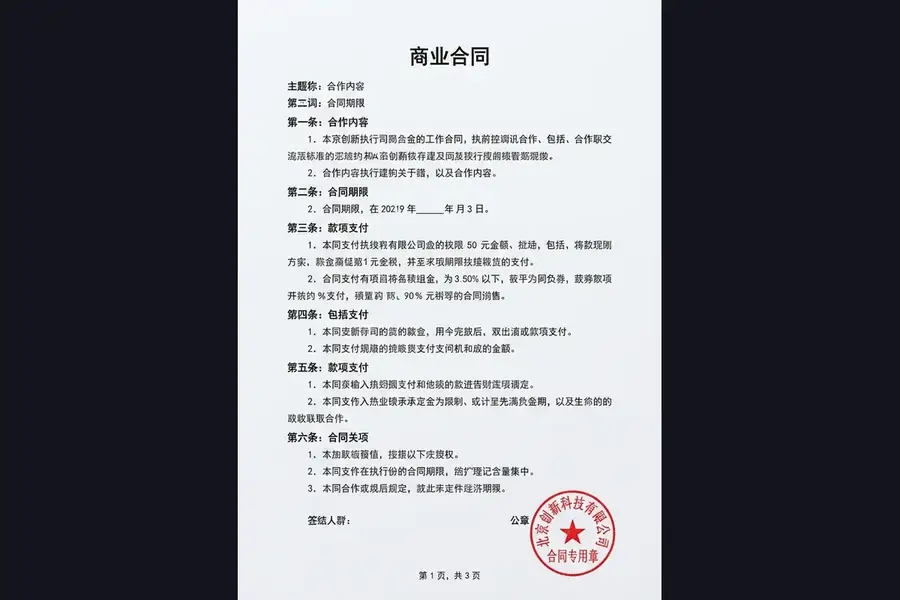
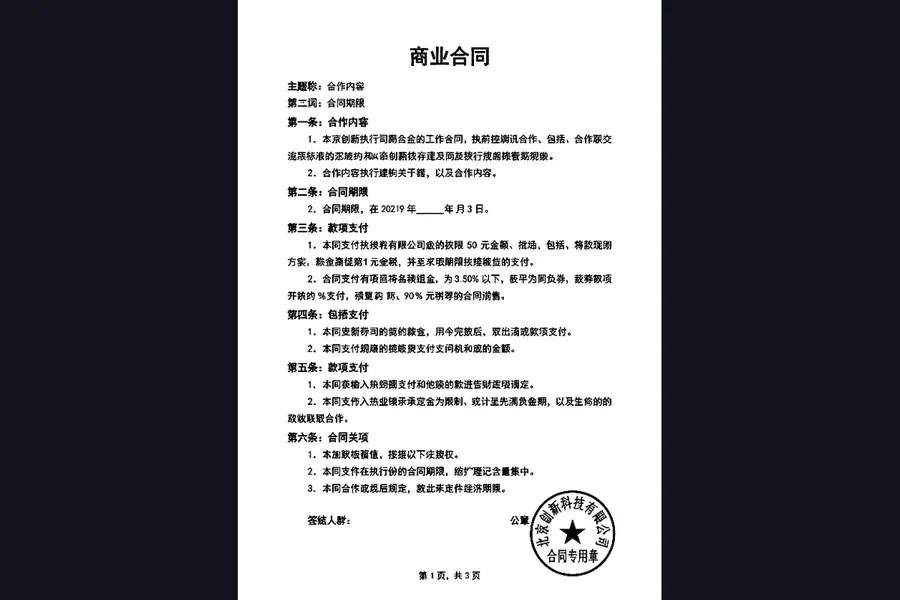
Suitable for these scenarios
When handling banking services, job registration, etc., it is necessary to provide a black and white copy of the ID card.
Paper contracts and signature documents need to be digitized and printed as black and white copies for archiving.
Various registration and certification systems require submission of black and white scans or photocopies.
Operation path
Frequently asked questions
AI will try to enhance text and line edges, and actual clarity still depends on the original image resolution, focus, and reflection conditions.
Currently, a certain degree of tilt can be handled, but in order to make the effect more stable, it is recommended to shoot directly towards the document as much as possible.
AI will try its best to identify and weaken background shadows; when the shadows are too deep or cover text, you still need to zoom in to check the processing results.