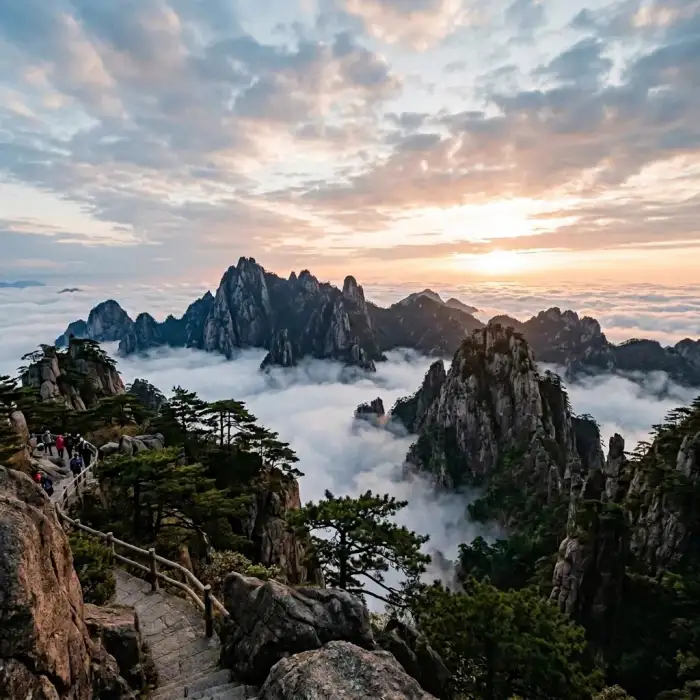
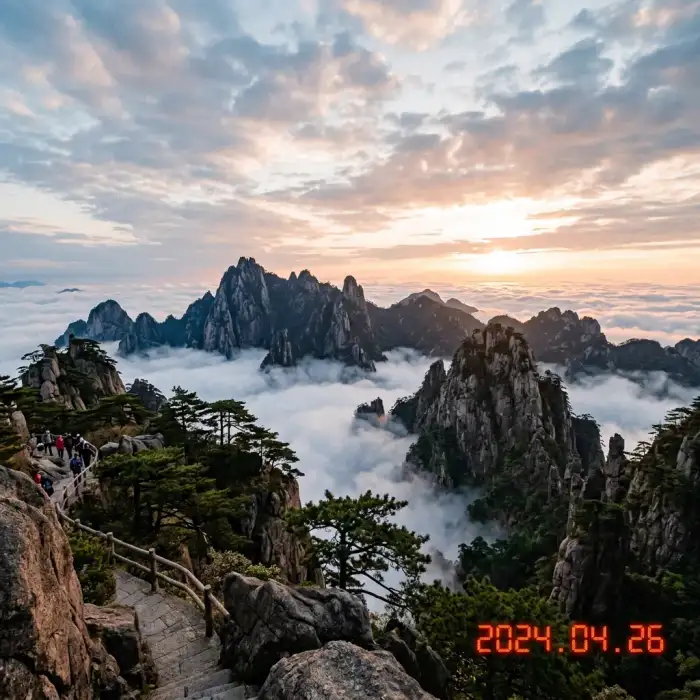
Remove the date number in the lower right corner of the landscape photo, and naturally complement the texture of the rocks and sea of clouds
 Restoring your images and input…
The PicCat text removal tool supports online removal of text, dates, subtitles, sticker copywriting and poster words in pictures, and AI automatically completes the background texture.
Remove the date number in the lower right corner of the landscape photo, and naturally complement the texture of the rocks and sea of clouds
Remove the large-area poster text covering the main body of the illustration and restore the obscured geometric pattern
Eliminate the large character content covering the main body of the blue and white porcelain, and repair the artifacts and background details
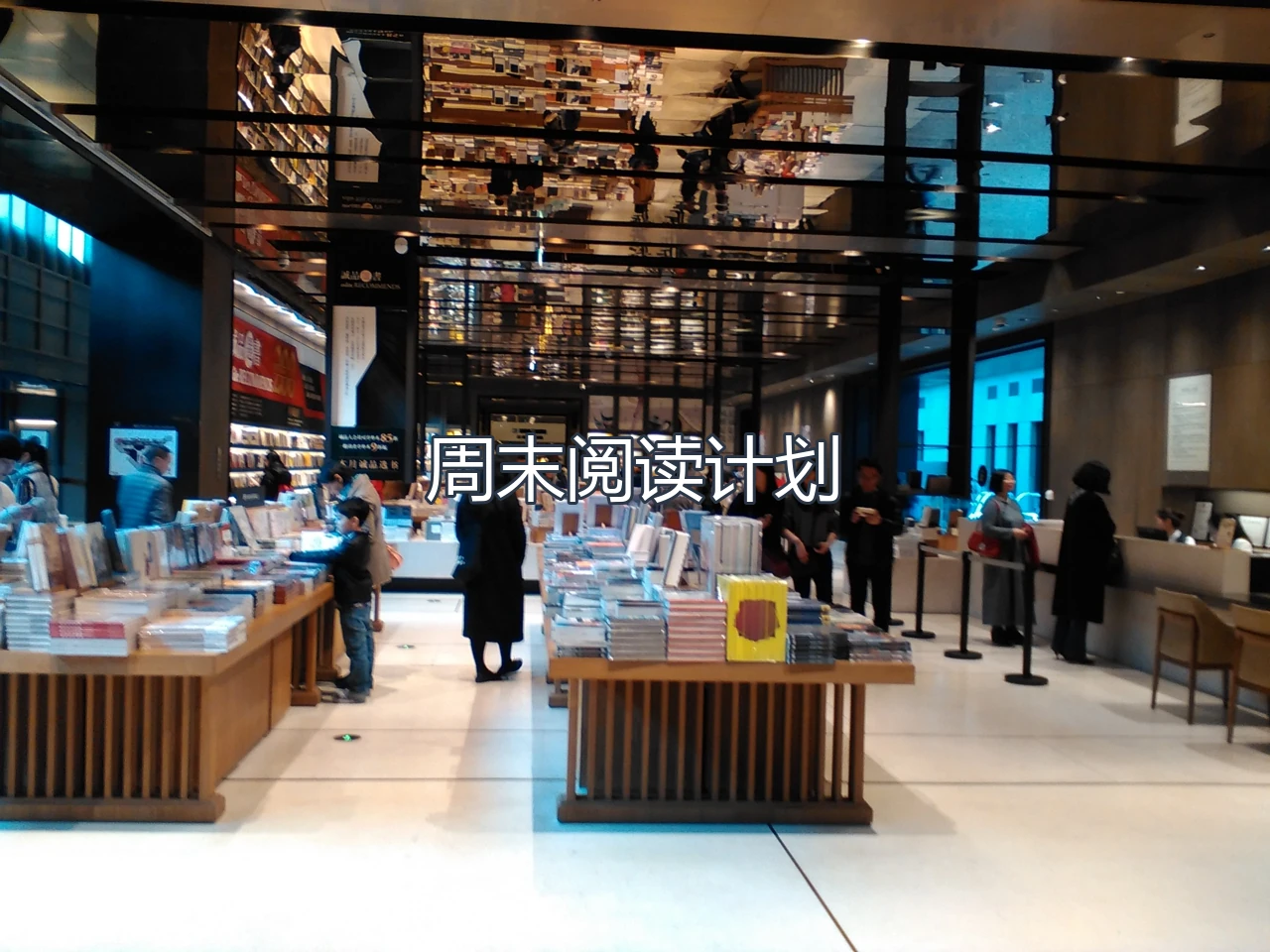
Remove added lettering while retaining original signs, book content and product markings. Sample text was added to a licensed photograph. The result was generated using this website’s AI Image Editor.
Remove added lettering while retaining original signs, book content and product markings. Sample text was added to a licensed photograph. The result was generated using this website’s AI Image Editor.
Remove added lettering while retaining original signs, book content and product markings. Sample text was added to a licensed photograph. The result was generated using this website’s AI Image Editor.
Remove added lettering while retaining original signs, book content and product markings. Sample text was added to a licensed photograph. The result was generated using this website’s AI Image Editor.
Remove added lettering while retaining original signs, book content and product markings. Sample text was added to a licensed photograph. The result was generated using this website’s AI Image Editor.
Remove added lettering while retaining original signs, book content and product markings. Sample text was added to a licensed photograph. The result was generated using this website’s AI Image Editor.
Remove added lettering while retaining original signs, book content and product markings. Sample text was added to a licensed photograph. The result was generated using this website’s AI Image Editor.
Remove added lettering while retaining original signs, book content and product markings. Sample text was added to a licensed photograph. The result was generated using this website’s AI Image Editor.
The PicCat text removal tool supports online removal of text, dates, subtitles, sticker copywriting and poster words in pictures, and AI automatically completes the background texture. Common uses include Eliminate text, remove text from pictures, remove text from pictures, remove text online, etc.
PicCat only provides online multimedia editing technology services. Some lightweight functions are processed locally in the browser, and functions involving AI or high-precision conversion will call cloud processing. After the processing is completed, the temporary files will be destroyed according to the page declaration.
It is recommended to check the file format, size and clarity first, and if necessary, replace the file and try again. If it fails multiple times, you can submit a problem through the feedback portal in the upper right corner of the page.
Select unwanted text, restore the background, and download the image.
Remove the date number in the lower right corner of the landscape photo, and naturally complement the texture of the rocks and sea of clouds
Remove the large-area poster text covering the main body of the illustration and restore the obscured geometric pattern


Eliminate the large character content covering the main body of the blue and white porcelain, and repair the artifacts and background details


Remove added lettering while retaining original signs, book content and product markings. Sample text was added to a licensed photograph. The result was generated using this website’s AI Image Editor.

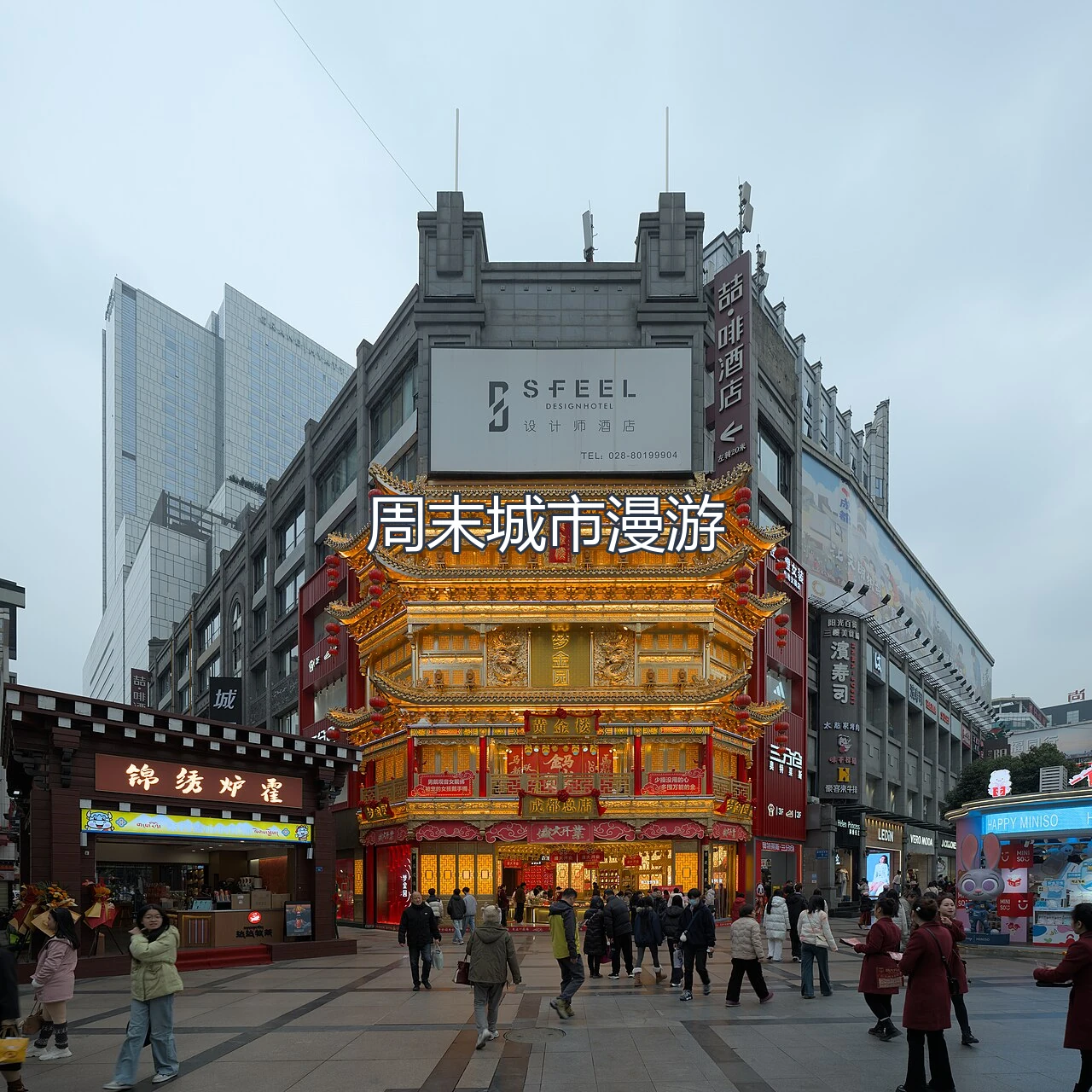
Remove added lettering while retaining original signs, book content and product markings. Sample text was added to a licensed photograph. The result was generated using this website’s AI Image Editor.

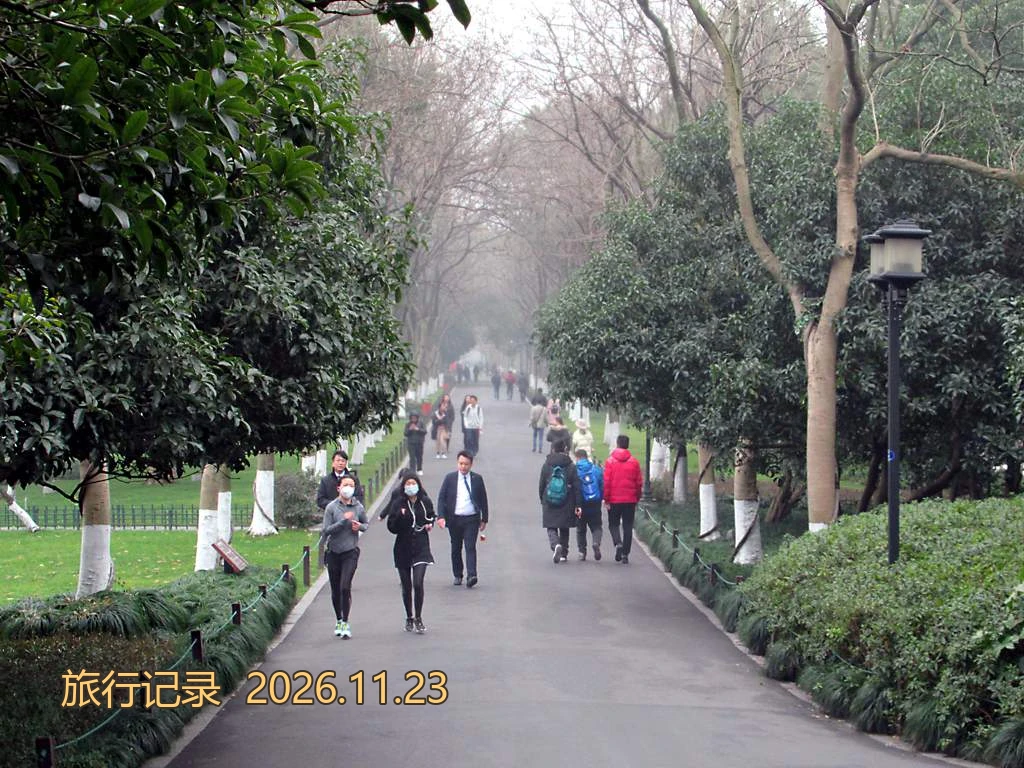
Remove added lettering while retaining original signs, book content and product markings. Sample text was added to a licensed photograph. The result was generated using this website’s AI Image Editor.

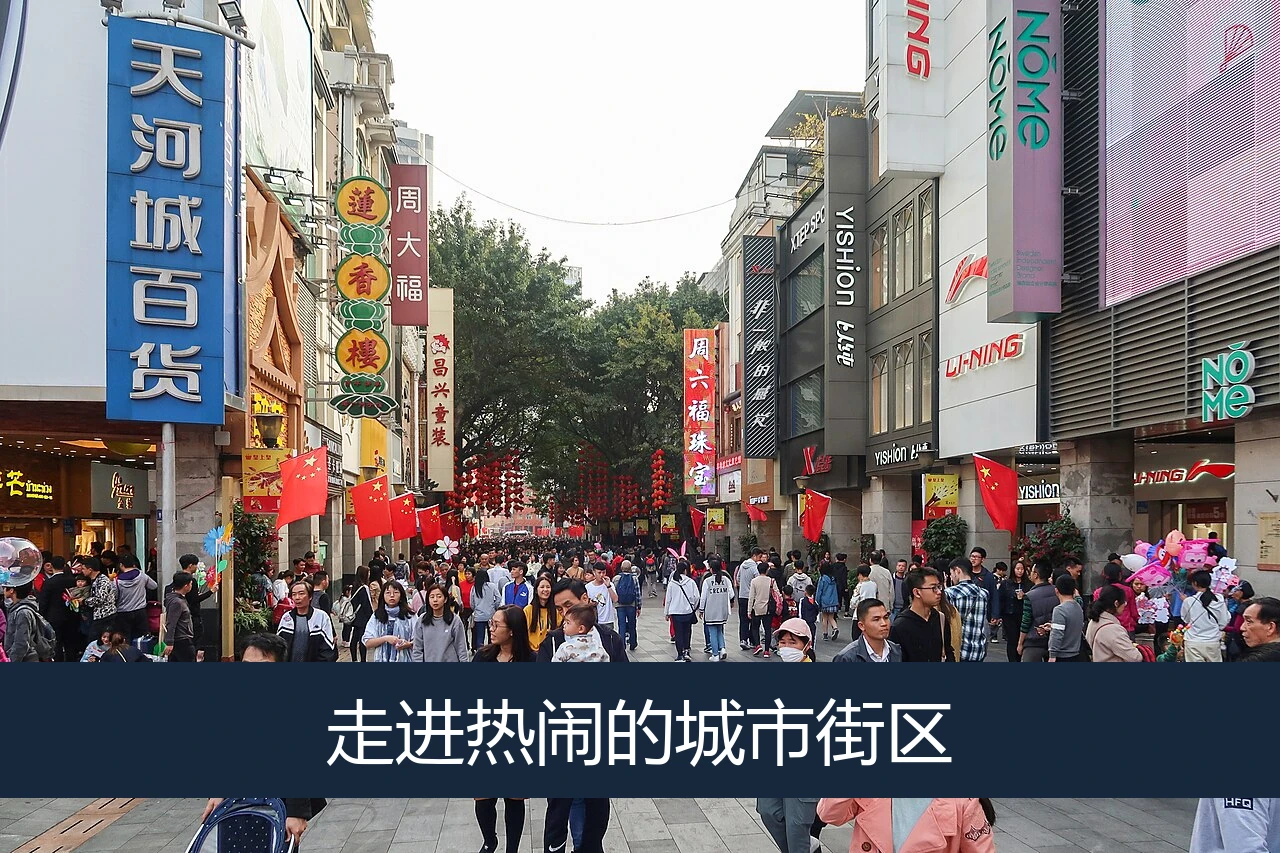
Remove added lettering while retaining original signs, book content and product markings. Sample text was added to a licensed photograph. The result was generated using this website’s AI Image Editor.

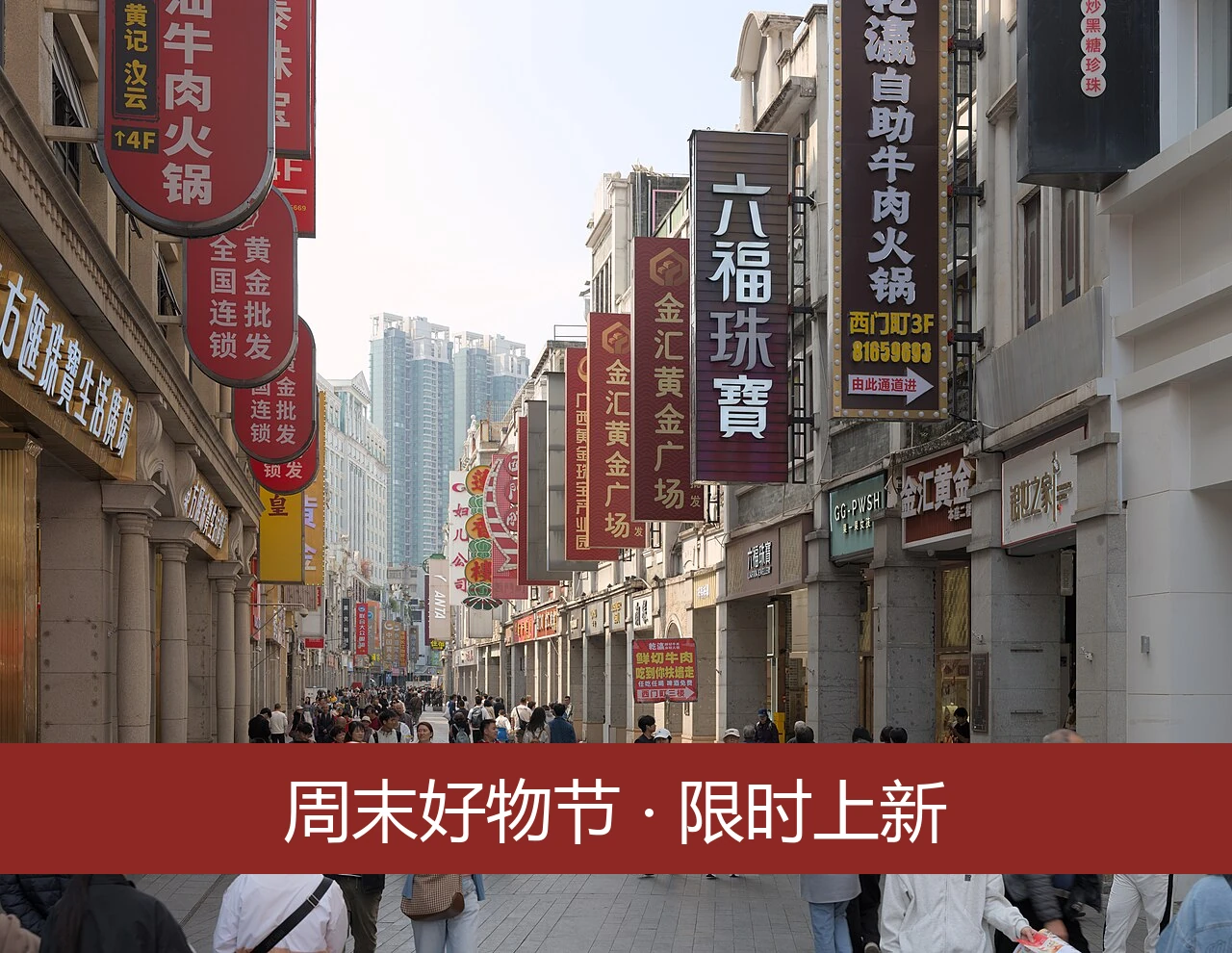
Remove added lettering while retaining original signs, book content and product markings. Sample text was added to a licensed photograph. The result was generated using this website’s AI Image Editor.

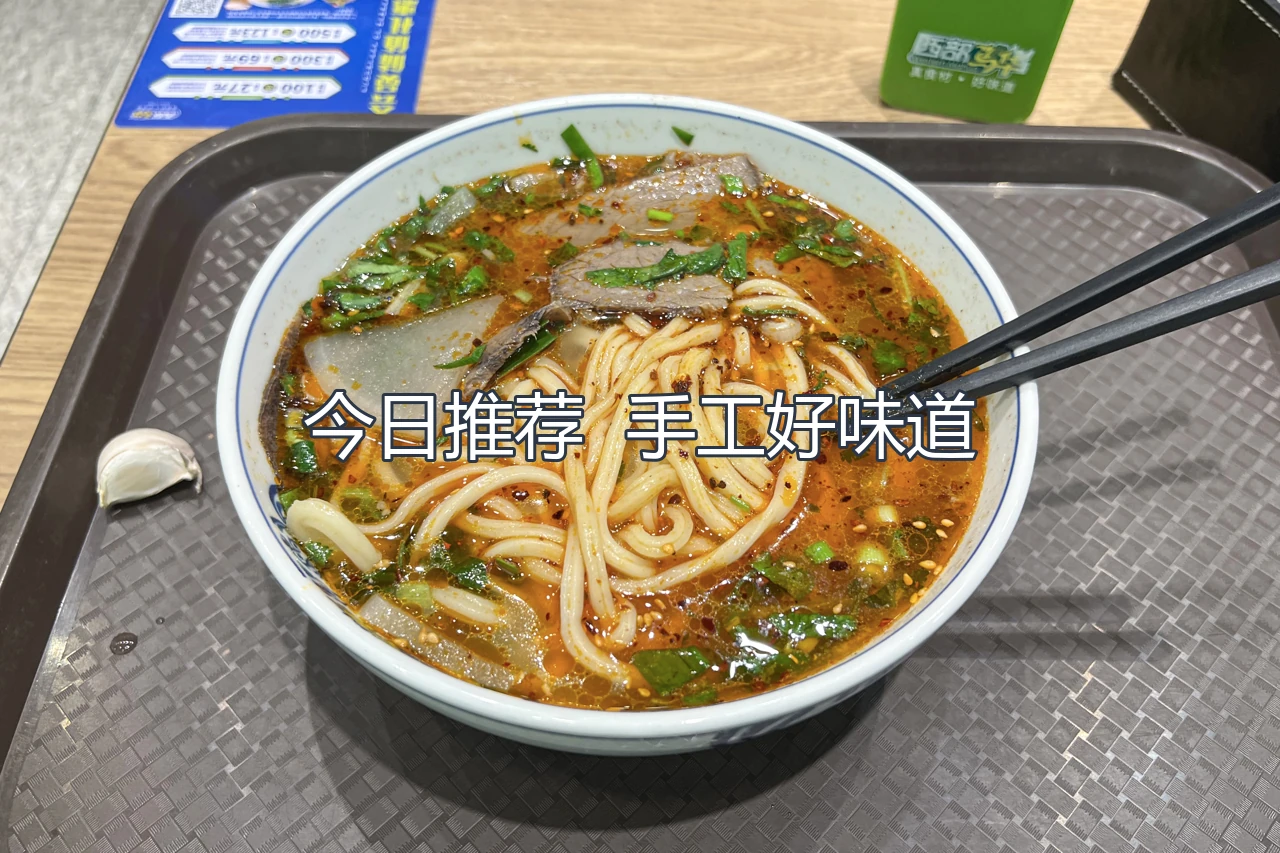
Remove added lettering while retaining original signs, book content and product markings. Sample text was added to a licensed photograph. The result was generated using this website’s AI Image Editor.


Remove added lettering while retaining original signs, book content and product markings. Sample text was added to a licensed photograph. The result was generated using this website’s AI Image Editor.

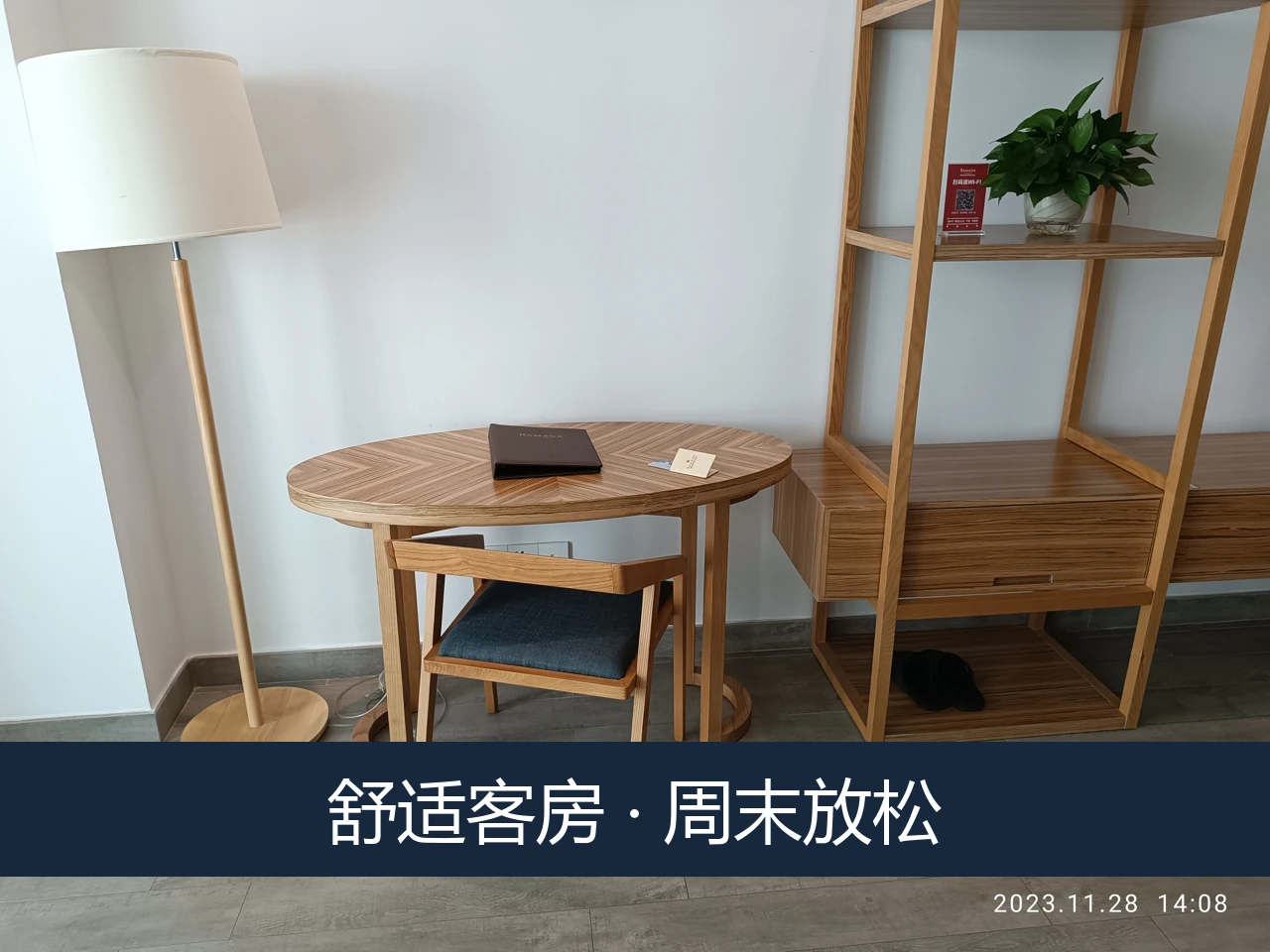
Remove added lettering while retaining original signs, book content and product markings. Sample text was added to a licensed photograph. The result was generated using this website’s AI Image Editor.