Restoring your images and input…
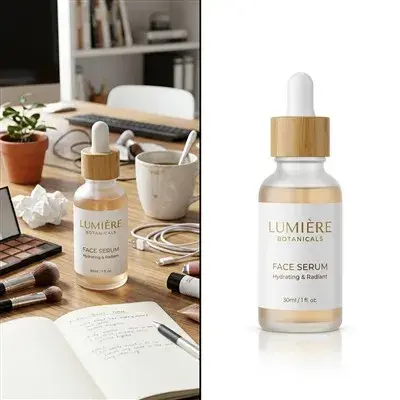
Apply one retouching description and strength to clean dust, reflections and blemishes from product images one at a time. Import multiple images or folders, inspect individual results and download a ZIP. Check product text, logos, colors and structure after generation.
No. All images in a batch share the same retouching prompt, strength and detail preservation settings. Process images with different requirements in separate batches; use single-image product retouching for local edits.
This cannot be guaranteed. Detail preservation adds instructions to the retouching prompt, but AI generation may still alter text, logos, colors or structure. Check each result before using it.
Save successful images first and retry failed items when needed. An image being processed at cancellation may already have been submitted to the server. Check the task history before generating it again; continuing rechecks the cost. Refreshing or closing the page loses the local batch state.
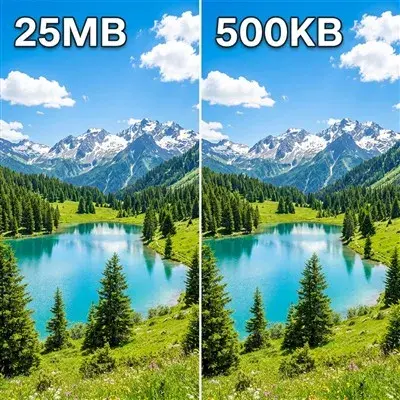
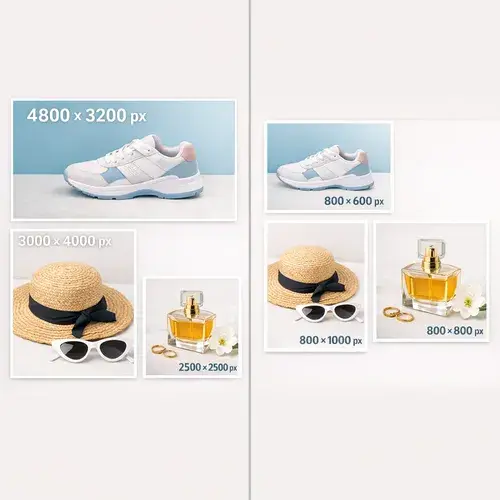
Supports JPG, PNG, WebP and BMP; SVG images are converted to bitmaps first. Each image can be up to 10MB. Selection and folder import limits are shown on the page. Free image counts and estimated costs appear before processing; retries recheck the current eligibility and price.