Keep the store sign material, perspective and surrounding environment, and naturally replace the original store name with new Chinese copywriting
 Restoring your images and input…
PicCat AI text editing supports automatic text location and selected-area edits for posters, product images and ordinary pictures. Upload an original on desktop, enter replacement text and check the result. Available modes and prices are shown in the workspace.
Keep the store sign material, perspective and surrounding environment, and naturally replace the original store name with new Chinese copywriting
Remove the dish name text on the wooden sign on the traditional food poster, perfectly retaining the original wood grain material and light and shadow, which is convenient for rearrangement
Accurately erase data and Chinese content on the smart watch screen and restore a pure screen background with technological photosensitive effects
Suitable for partial text modification in posters, product pictures, cover pictures, course pictures and ordinary pictures. Please do not use it for sensitive purposes such as documents, contracts, bills, etc.
Automatic mode locates the original text and regenerates the whole image. Selected-area mode redraws your chosen region and composites it into the original. Consider selected-area mode when changing only one repeated occurrence. Available modes are shown in the workspace.
No. Automatic editing may change details across the image, while selected-area editing may alter fonts or the local background. Blurry small text, handwriting, curved lettering and dense text may fail. Use a clear original and check the result.
OCR is not required first. In automatic mode, enter the original and replacement text. In selected-area mode, select the target area and enter new text. Use the text extraction tool if you only need to copy text from an image.
First, completely frame the original text to be replaced, and then expand the frame to the right to add space for the new text. The system will not automatically expand the selection box; if the original text is missed for the first time, please delete the selection and re-select it.
No. Both modes share your account’s free uses, and each free use processes one selected edit. Paid use is charged per edit. Check the workspace for your eligibility and price before submitting.
The mobile page currently provides information, examples and a link to copy for desktop use. Open the tool on a computer to upload and edit an image.
To blend new text into the image, each edit usually takes two AI processing rounds: remove the old text, then redraw the replacement.
Most of the cost comes from multiple AI processing rounds. Removing text also restores the background behind it. The replacement uses the original font, color and position as references. Selected areas are processed individually, with layout retries when needed.
Pricing depends on the number of selected areas. Check the credit cost before submitting. Internal retries incur no extra charge.
This four-step example changes the product card label from “534 sold” to “4,569 sold”, retaining the other product images, prices and layout.
This example edits the price and grade in a Didi Fuel screenshot while retaining the station information, offer details and layout.
This example edits only the month in an Amap route record screenshot, retaining the map, route data and visual layout.
These demonstrations use material shared with user authorization. Platform names and interface elements illustrate the text editing results and do not imply any affiliation with PicCat.
For posters, product specifications, storefront signs and banners, upload an image, select the original text, enter its replacement and adjust the selected area before submitting.
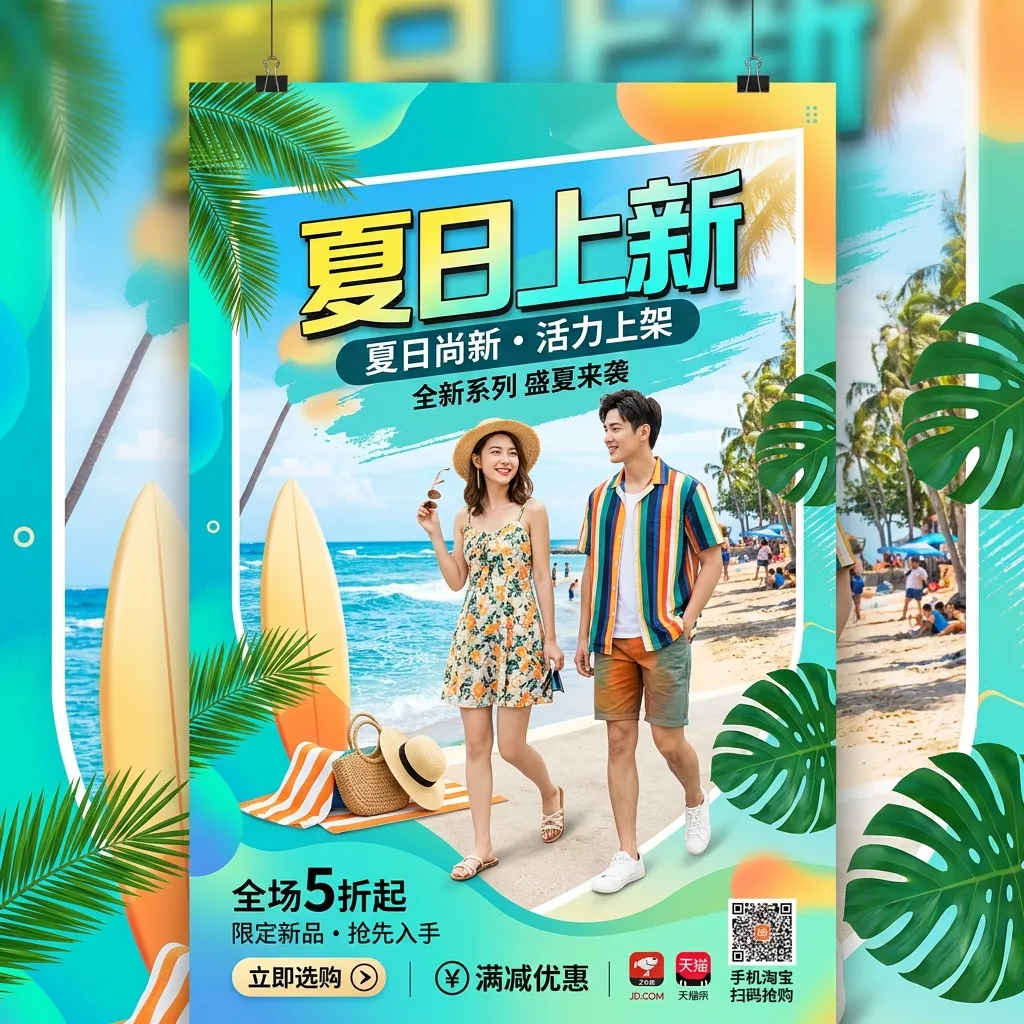
Replace the main event heading while retaining the people, setting and promotional layout shown in this example.

Update the insulated bottle’s main selling point and bottom specifications while retaining the product and setting shown in this example.


Update the store name and English subtitle while retaining the wood texture, street lighting and sign perspective shown in this example.


Change the offer text in a fictional software interface while retaining the card colors, buttons and overall layout shown in this example.


