Remove the orange trash can next to the bench by the lake and supplement the tree trunks, stone paths and green plants
 Restoring your images and input…
PicCat's clutter removal tool supports online cleaning of trash cans, wires, messy objects, stains and occlusions in photos, and AI automatically completes background textures.
Remove the orange trash can next to the bench by the lake and supplement the tree trunks, stone paths and green plants
Clear the conspicuous orange traffic cones on the stone road of the modern commercial pedestrian street and restore the ground texture without leaving a trace
Remove the waste paper towels that destroy the aesthetics of Chinese food photography and restore the original light and shadow texture of the wooden dining table
Remove the selected unwanted object and compare the surrounding materials and composition. This result was generated using this website’s AI Image Editor to demonstrate the corresponding removal task.
Remove the selected unwanted object and compare the surrounding materials and composition. This result was generated using this website’s AI Image Editor to demonstrate the corresponding removal task.
Remove the selected unwanted object and compare the surrounding materials and composition. This result was generated using this website’s AI Image Editor to demonstrate the corresponding removal task.
Remove the selected unwanted object and compare the surrounding materials and composition. This result was generated using this website’s AI Image Editor to demonstrate the corresponding removal task.
Remove the selected unwanted object and compare the surrounding materials and composition. This result was generated using this website’s AI Image Editor to demonstrate the corresponding removal task.
Remove the selected unwanted object and compare the surrounding materials and composition. This result was generated using this website’s AI Image Editor to demonstrate the corresponding removal task.
Remove the selected unwanted object and compare the surrounding materials and composition. This result was generated using this website’s AI Image Editor to demonstrate the corresponding removal task.
Remove the selected unwanted object and compare the surrounding materials and composition. This result was generated using this website’s AI Image Editor to demonstrate the corresponding removal task.
PicCat's clutter removal tool supports online cleaning of trash cans, wires, messy objects, stains and occlusions in photos, and AI automatically completes background textures. Common uses include Eliminate clutter, remove clutter online, remove clutter from pictures, remove excess objects, etc.
PicCat only provides online multimedia editing technology services. Some lightweight functions are processed locally in the browser, and functions involving AI or high-precision conversion will call cloud processing. After the processing is completed, the temporary files will be destroyed according to the page declaration.
It is recommended to check the file format, size and clarity first, and if necessary, replace the file and try again. If it fails multiple times, you can submit a problem through the feedback portal in the upper right corner of the page.
Brush or select unwanted objects, check the background, and download the result.
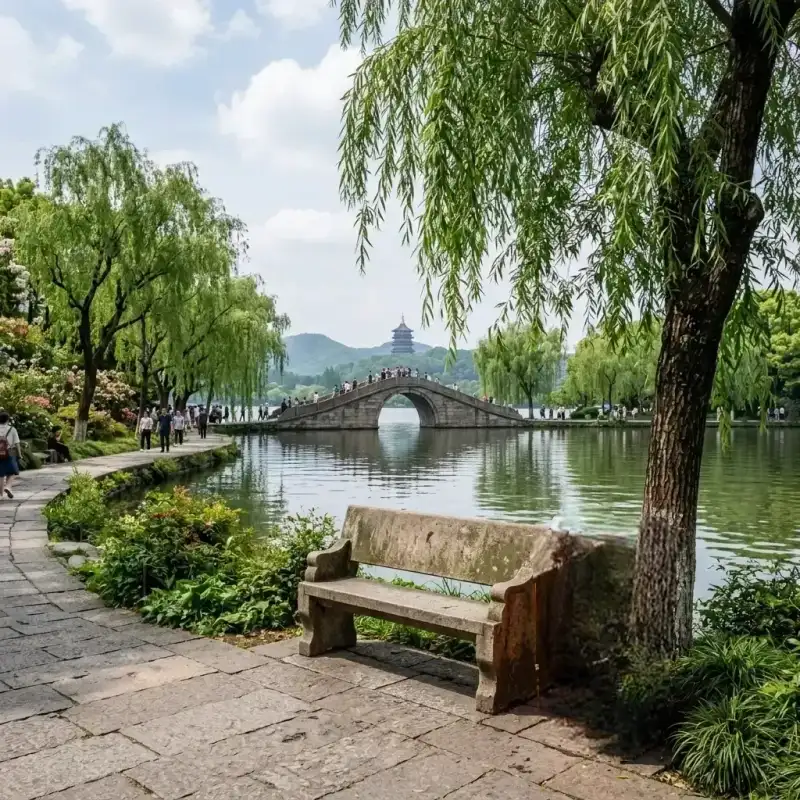
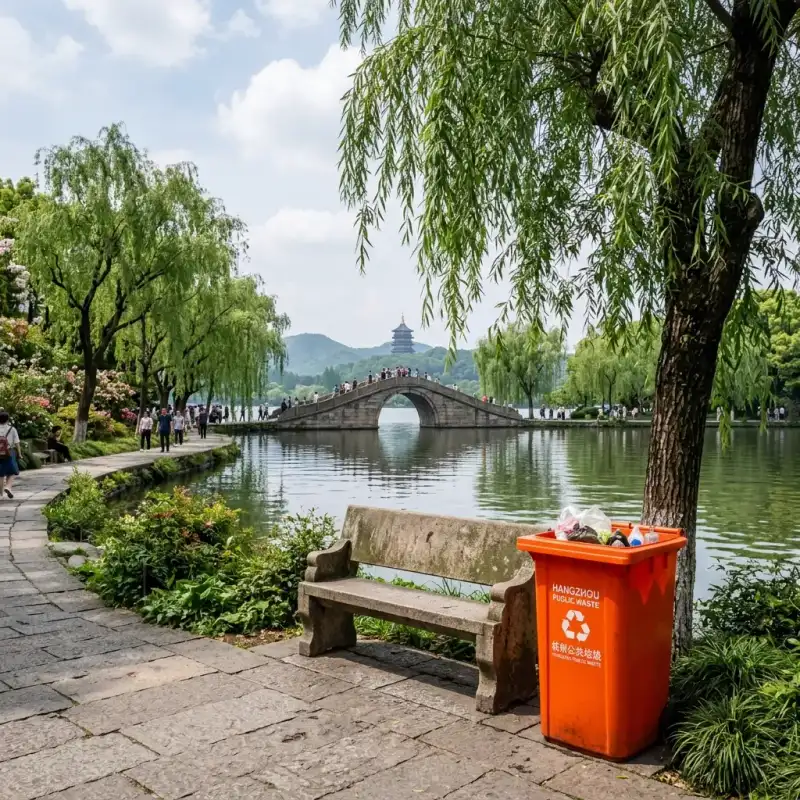
Remove the orange trash can next to the bench by the lake and supplement the tree trunks, stone paths and green plants
Clear the conspicuous orange traffic cones on the stone road of the modern commercial pedestrian street and restore the ground texture without leaving a trace


Remove the waste paper towels that destroy the aesthetics of Chinese food photography and restore the original light and shadow texture of the wooden dining table


Remove the selected unwanted object and compare the surrounding materials and composition. This result was generated using this website’s AI Image Editor to demonstrate the corresponding removal task.

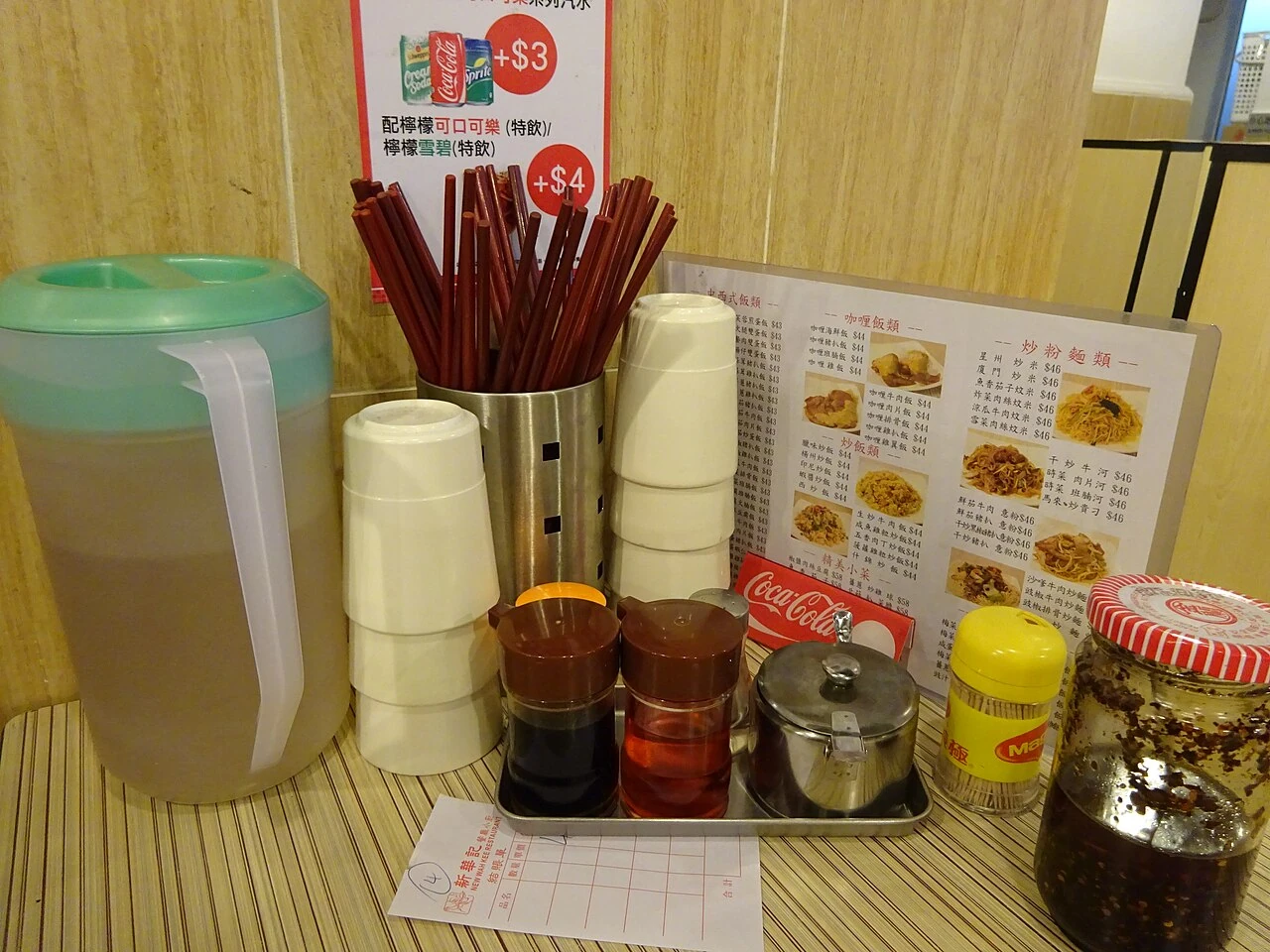
Remove the selected unwanted object and compare the surrounding materials and composition. This result was generated using this website’s AI Image Editor to demonstrate the corresponding removal task.

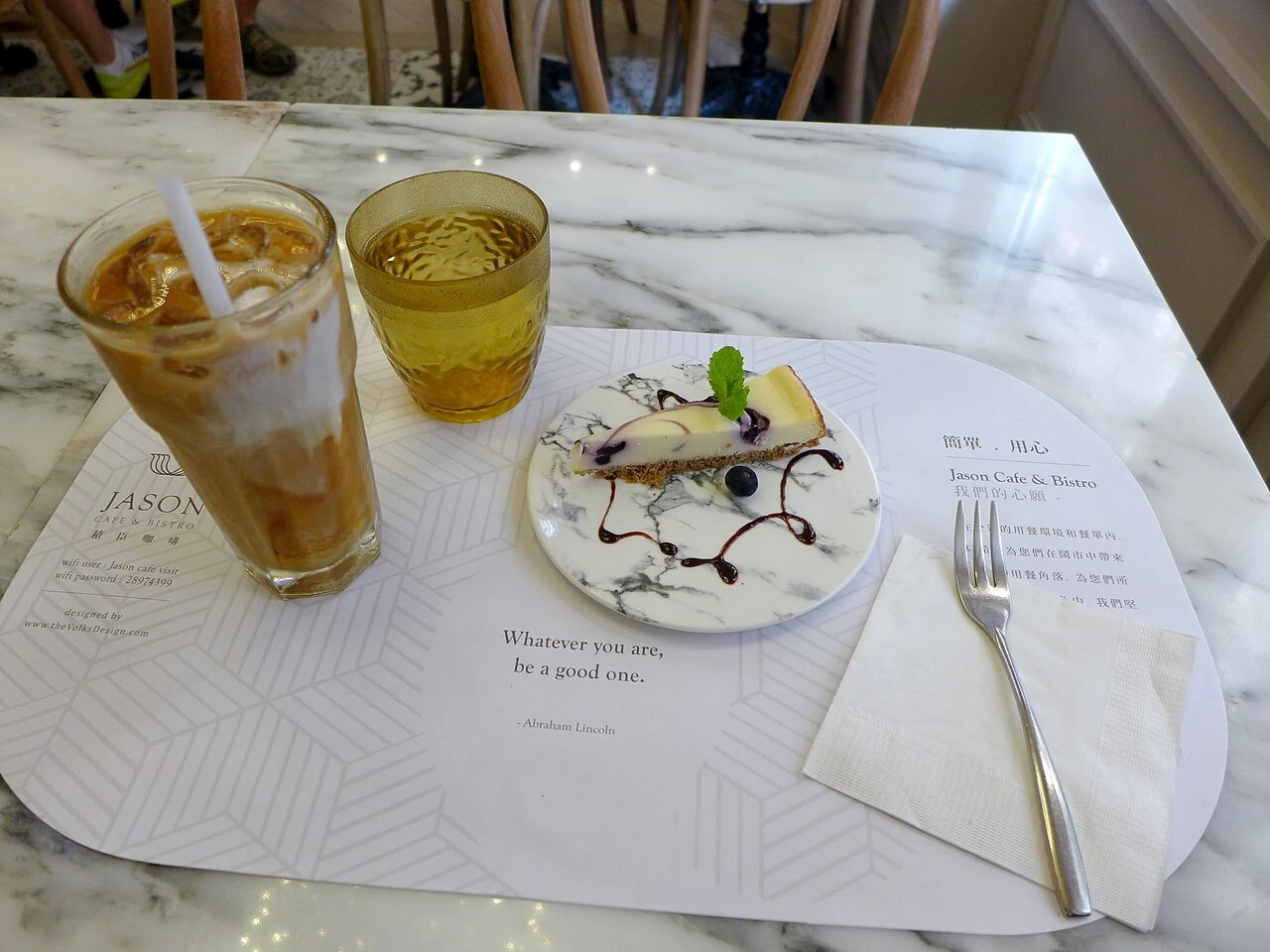
Remove the selected unwanted object and compare the surrounding materials and composition. This result was generated using this website’s AI Image Editor to demonstrate the corresponding removal task.

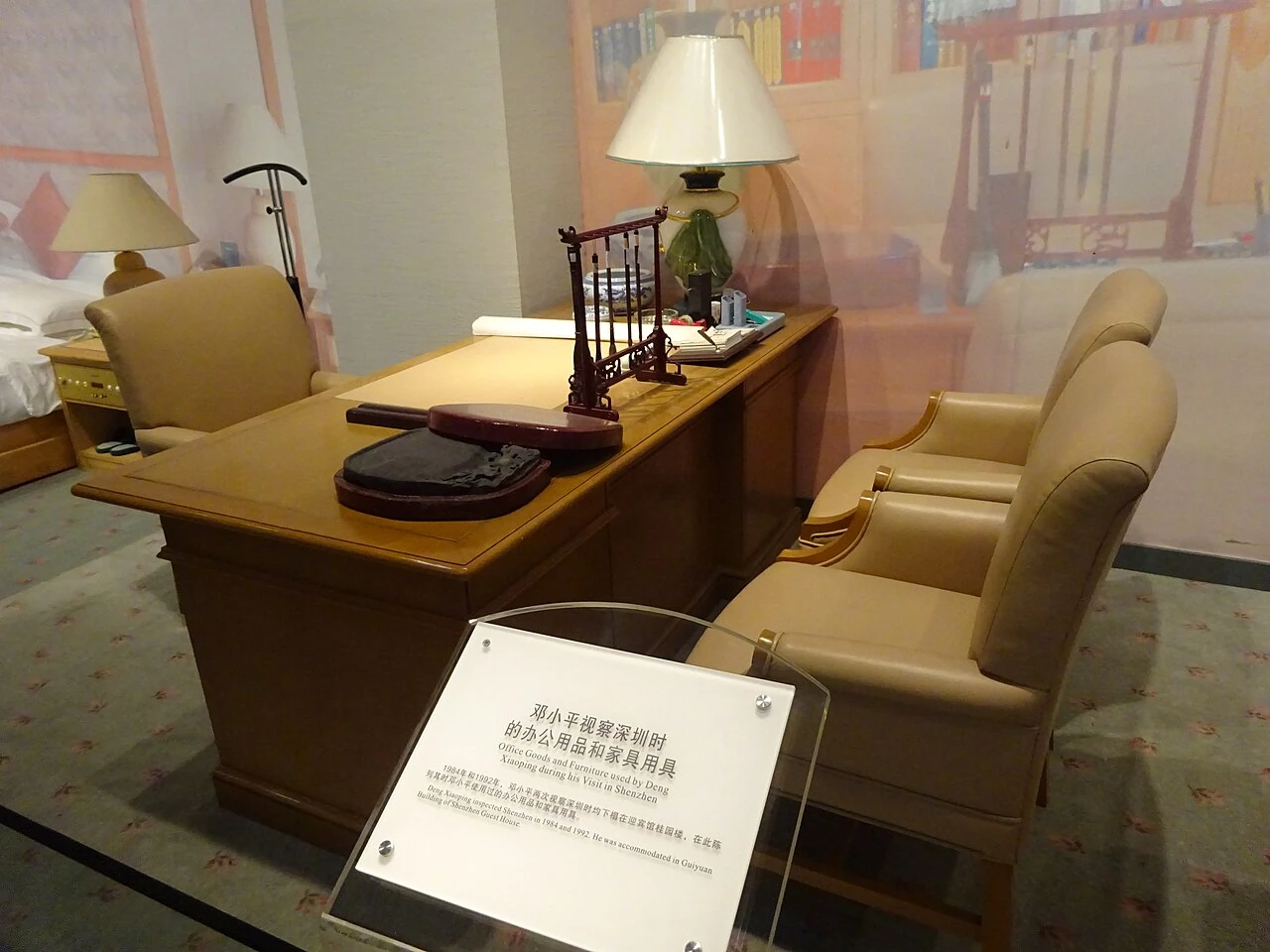
Remove the selected unwanted object and compare the surrounding materials and composition. This result was generated using this website’s AI Image Editor to demonstrate the corresponding removal task.

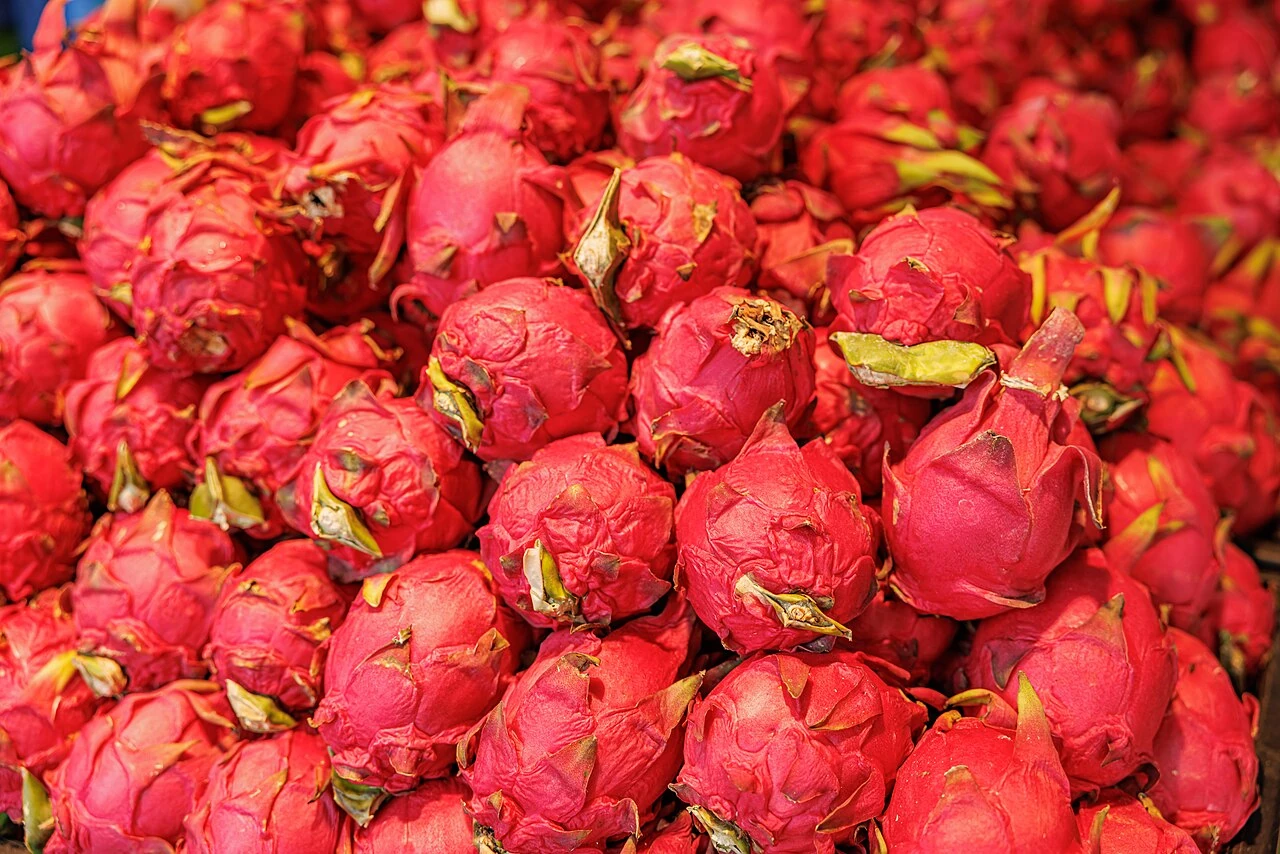
Remove the selected unwanted object and compare the surrounding materials and composition. This result was generated using this website’s AI Image Editor to demonstrate the corresponding removal task.

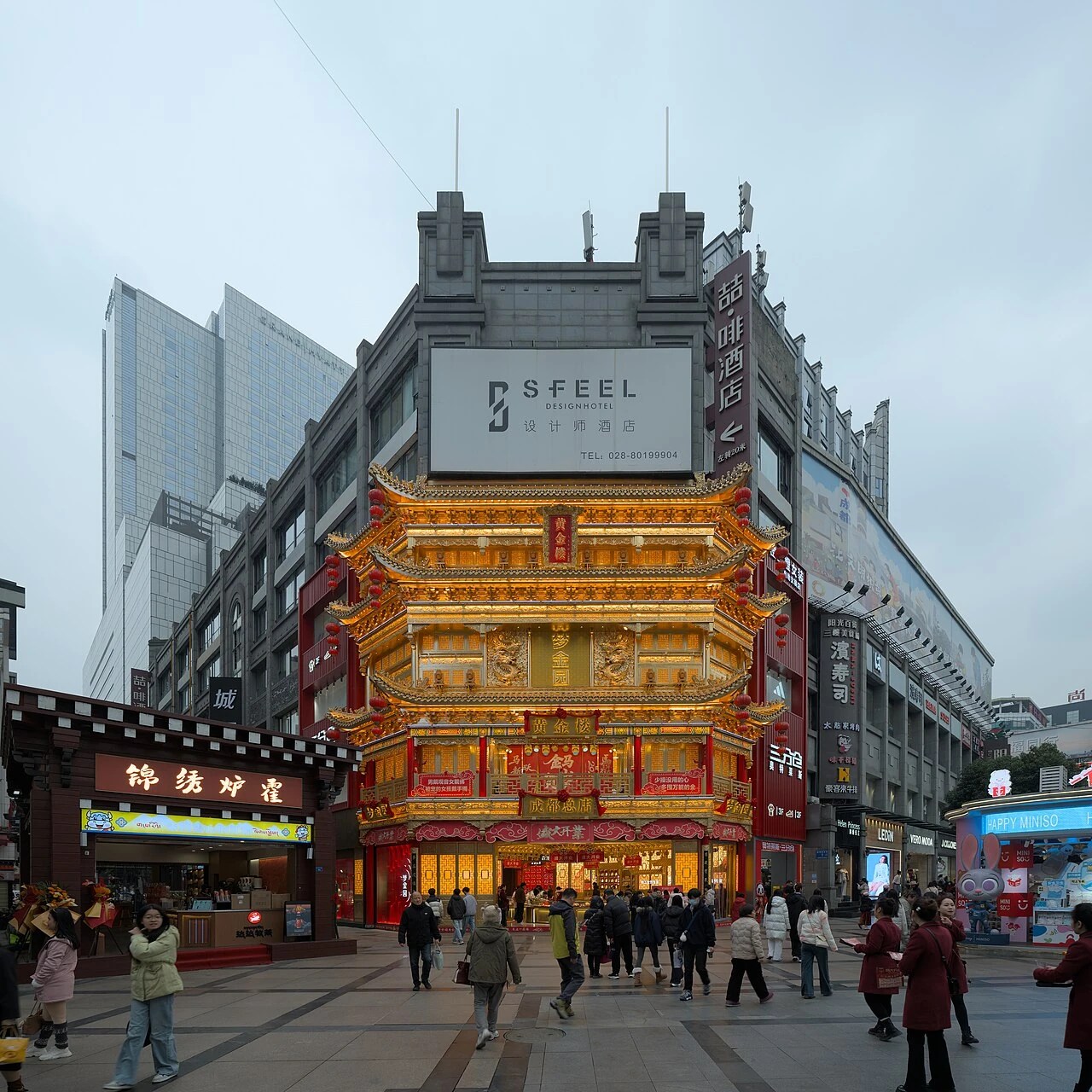
Remove the selected unwanted object and compare the surrounding materials and composition. This result was generated using this website’s AI Image Editor to demonstrate the corresponding removal task.

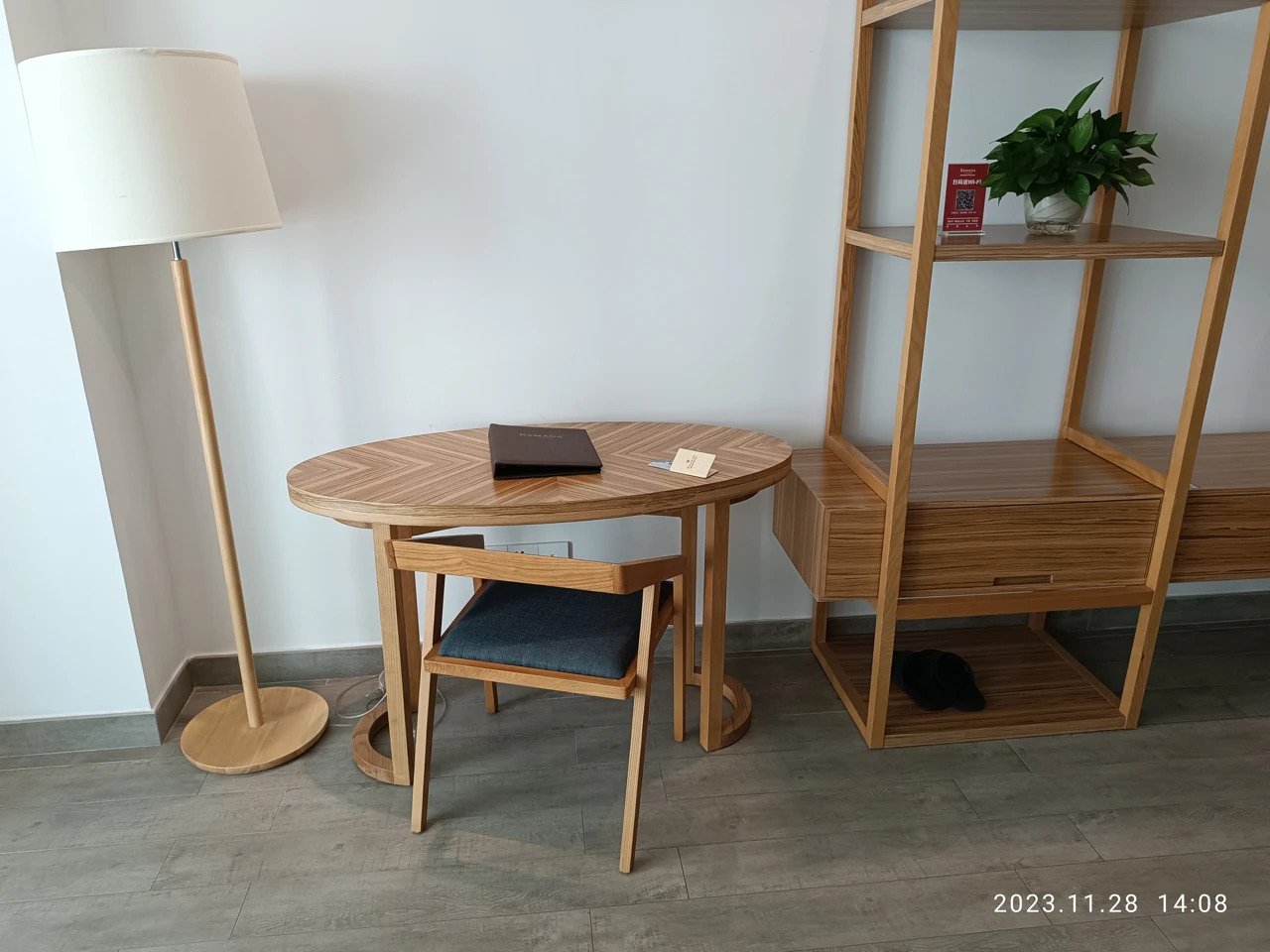
Remove the selected unwanted object and compare the surrounding materials and composition. This result was generated using this website’s AI Image Editor to demonstrate the corresponding removal task.

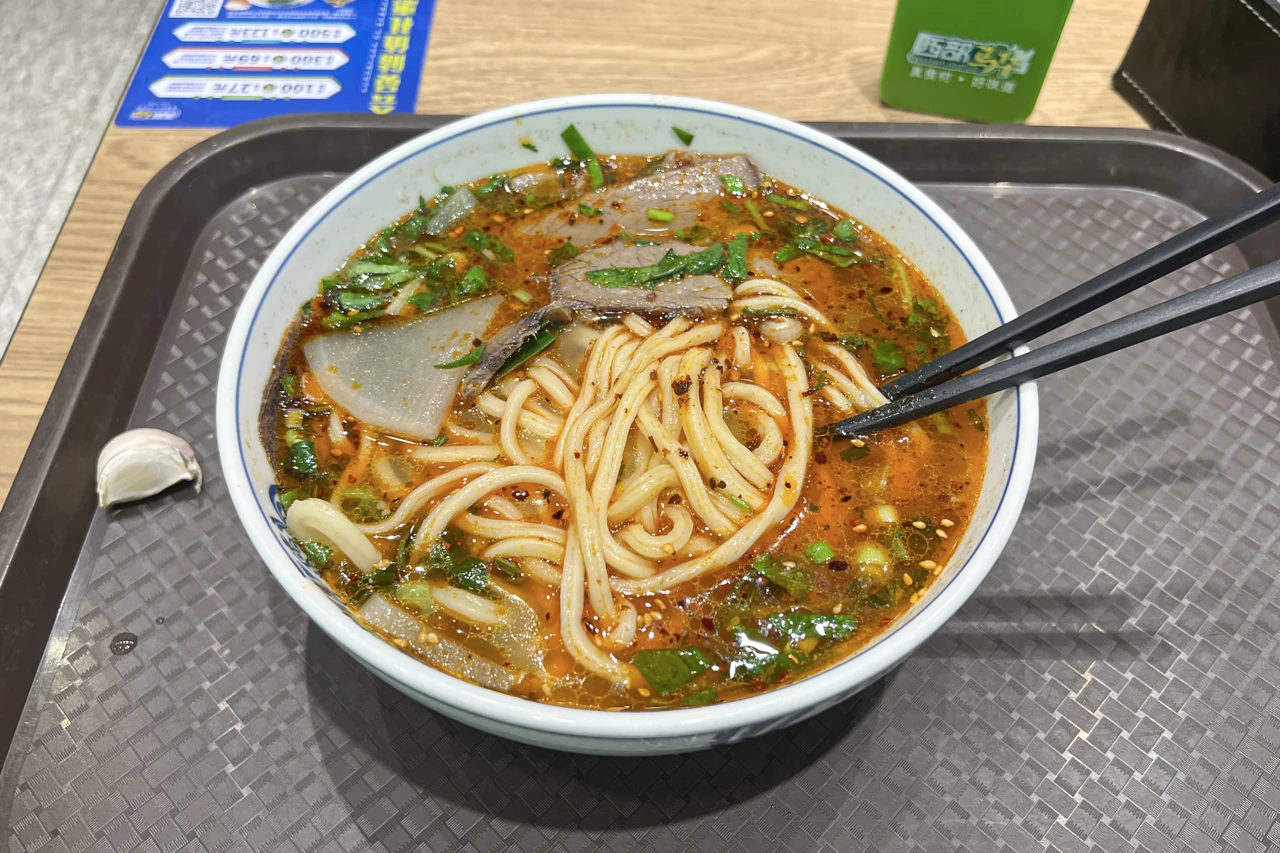
Remove the selected unwanted object and compare the surrounding materials and composition. This result was generated using this website’s AI Image Editor to demonstrate the corresponding removal task.