Travel photos cleaning interference objects
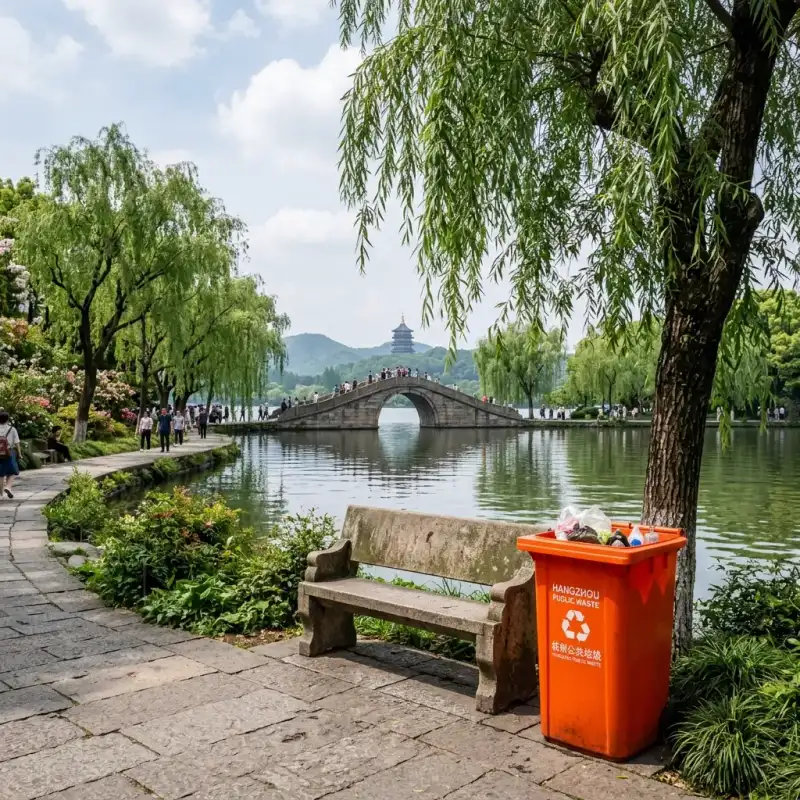
Remove ground trash cans, street signs, wires or small distracting objects on the edge of the screen to make the subject more prominent.
 Restoring your images and input…
AI picture elimination special topic
Use a brush to mark trash cans, wires, desktop clutter, stains or other unnecessary objects in the photo, and AI will try to complete the background based on the surrounding images. Suitable for cleaning up local distracting elements in travel photos, product pictures and daily photos.

Suitable for these scenarios
Remove ground trash cans, street signs, wires or small distracting objects on the edge of the screen to make the subject more prominent.
Clean the dust, labels, cables and irrelevant small objects on the shooting table, and then continue to make white background pictures or product refinements.
Process lens stains, wall spots, paper creases and other areas that are smaller and have sufficient surrounding texture.
Operation path
Frequently asked questions
Mosaics only block or blur selected areas; AI elimination will attempt to remove the target and generate completion content based on surrounding pixels and picture semantics.
Not necessarily. Solid colors, sky, walls and regular textures are easier to complete; character edges, architectural lines and complex patterns may be deformed and need to be processed in stages.
When the smear range is too large or the surrounding reference information is insufficient, the AI may repeat nearby textures. You can reduce the area of application and apply it multiple times.
Supporting the use of touch smearing in mobile browsers, the actual fluency will be affected by device performance, browser and picture size.