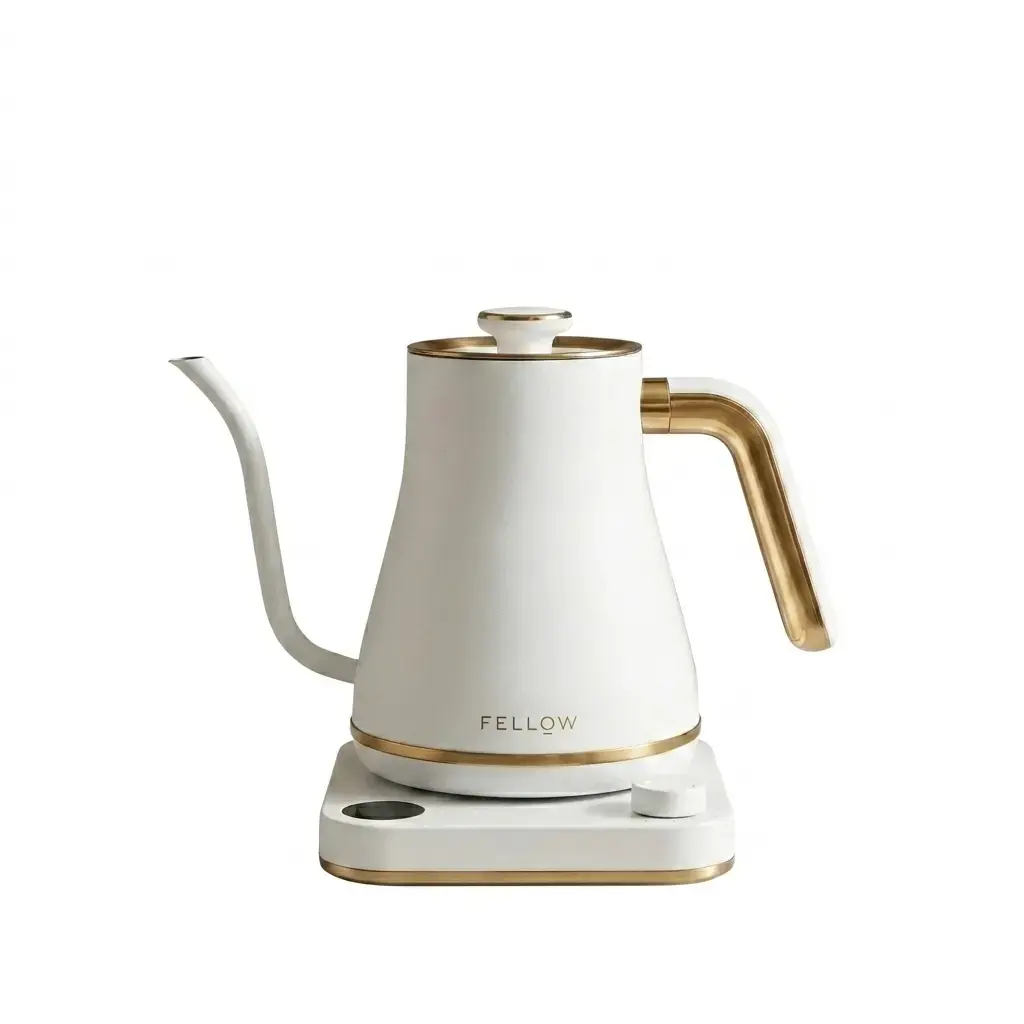
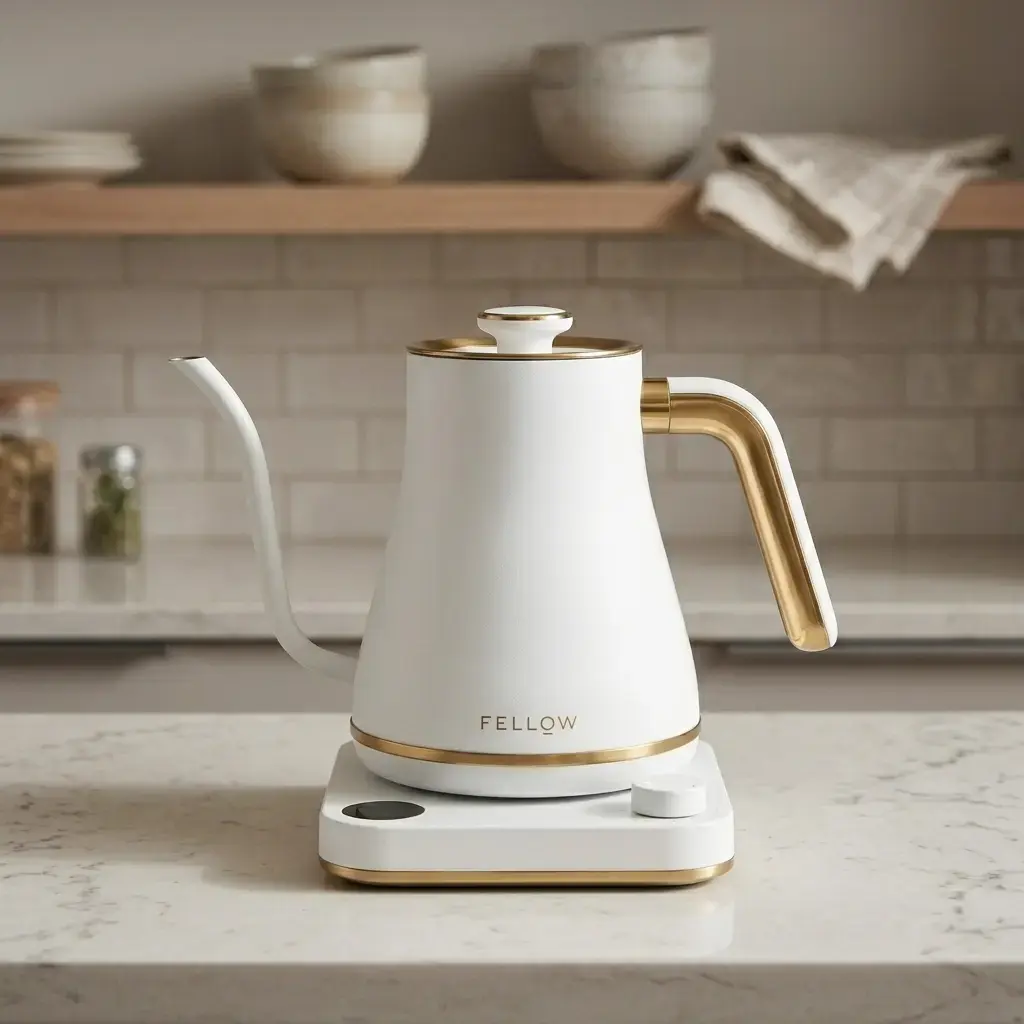
Remove the kitchen environment and generate a clean white background, retaining the spout, handle and metal decorative edges
 Restoring your images and input…
The PicCat product white background image tool can upload product images and identify the subject with AI, and generate a clean white background main image with one click. It is suitable for Taobao, Tmall, JD.com, Pinduoduo, Douyin, Xiaohongshu and cross-border e-commerce SKU images and detail page material processing.
Remove the kitchen environment and generate a clean white background, retaining the spout, handle and metal decorative edges
Extract a peach gift box from an indoor display and remove the surroundings to show the produce packaging on white.
Remove the desktop and background environment, accurately extract the main body of the smart projector, and generate a professional digital white background image
Extract the handcrafted teapot and cups from a display photograph and remove the surrounding display to create a white-background image with space around the products.
Identify the teapots, cups and bowls on a restaurant table, retaining the ceramic outlines and handles in a multiple-object white-background result.
Remove the countertop around the black rice cooker while keeping the appliance, control panel and rice paddle for a product image on white.
Isolate a white rice cooker from an appliance photograph, retaining its lid seam, controls and body edges against a white background.
Extract the cloth shoes from a shop photograph, retaining the uppers, openings and strap while removing the original backing and background.
Extract the noodle bowl and chopsticks from a food photograph, removing the table and tray to demonstrate food imagery on white.
Suitable for Taobao, Tmall, Jingdong, Pinduoduo, Douyin e-commerce, Xiaohongshu stores, Amazon and independent website product picture arrangement. Please refer to the platform rules for specific size, white space and background requirements.
The tool will give priority to ensuring that the main body is clean and clear. If the shadow of the original image affects the edge of the cutout, it is recommended to use a product to cut out the image to obtain a transparent base, then make a white background image and check the naturalness of the edges.
If you need to process a large number of SKUs, you can use the batch white background image function to process the actual number of images cumulatively.
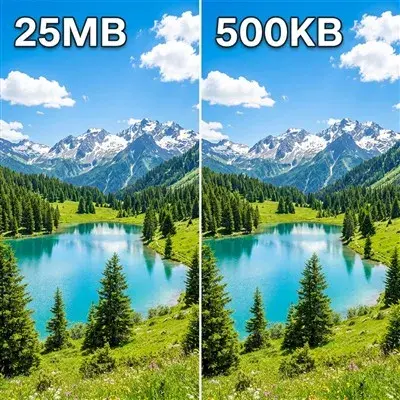
If the platform limits the image size, it is recommended to use image compression or batch image compression after downloading to control the volume while retaining product details and edge clarity.
Compare actual white-background results for appliances, tea sets, footwear, produce gift boxes and food. Check edges and spacing before use.
Remove the kitchen environment and generate a clean white background, retaining the spout, handle and metal decorative edges
Extract a peach gift box from an indoor display and remove the surroundings to show the produce packaging on white.


Remove the desktop and background environment, accurately extract the main body of the smart projector, and generate a professional digital white background image


Extract the handcrafted teapot and cups from a display photograph and remove the surrounding display to create a white-background image with space around the products.


Identify the teapots, cups and bowls on a restaurant table, retaining the ceramic outlines and handles in a multiple-object white-background result.


Remove the countertop around the black rice cooker while keeping the appliance, control panel and rice paddle for a product image on white.


Isolate a white rice cooker from an appliance photograph, retaining its lid seam, controls and body edges against a white background.


Extract the cloth shoes from a shop photograph, retaining the uppers, openings and strap while removing the original backing and background.


Extract the noodle bowl and chopsticks from a food photograph, removing the table and tray to demonstrate food imagery on white.