Main picture on the platform
Platforms such as Taobao, Pinduoduo, 1688, and JD.com often require clear product bodies and clean backgrounds, and white background images are easier to pass review and recommendation display.
 Restoring your images and input…
Special topic of e-commerce main image processing
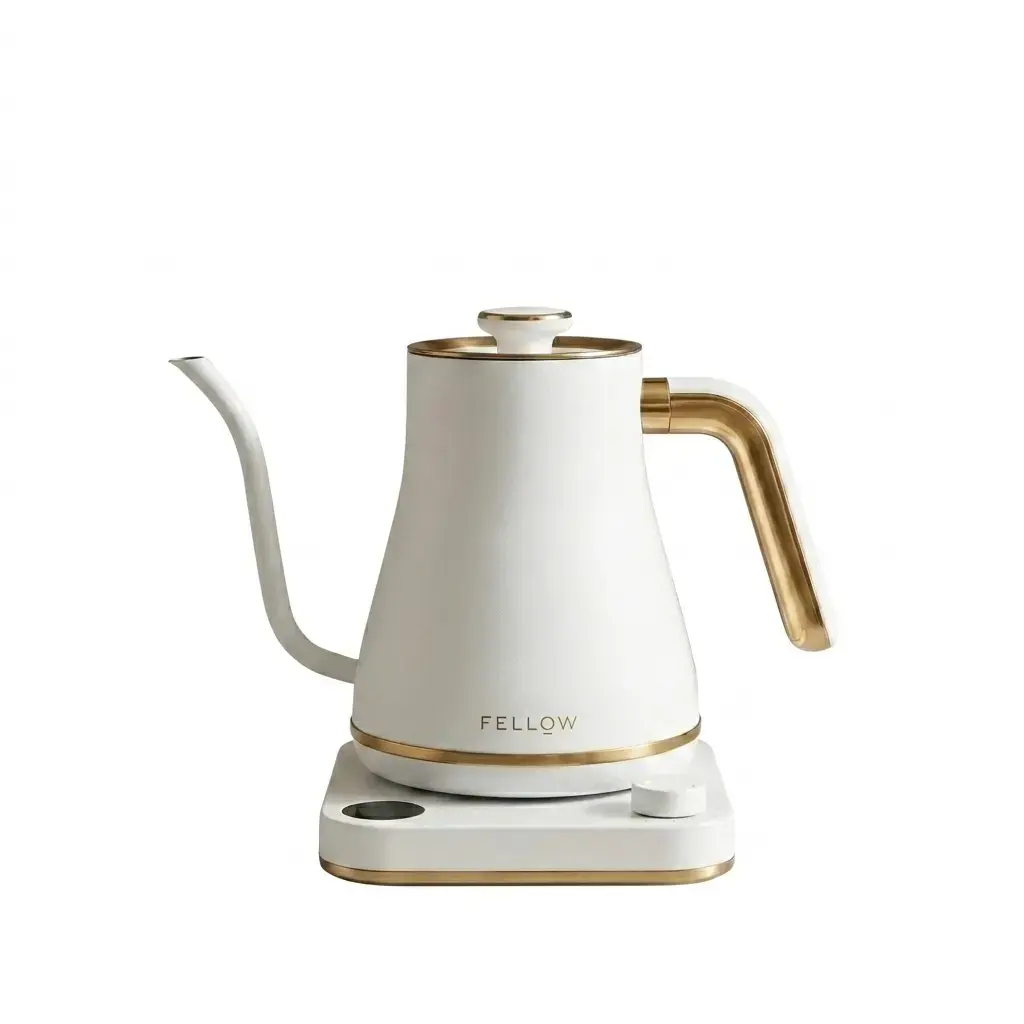
After uploading product photos, AI automatically cuts out the main body of the product and generates a clean white background image, which is suitable for Taobao, Pinduoduo, 1688, JD.com, cross-border e-commerce and Xiaohongshu product main image listing, event registration, platform review and SKU batch sorting.

Suitable for these scenarios
Platforms such as Taobao, Pinduoduo, 1688, and JD.com often require clear product bodies and clean backgrounds, and white background images are easier to pass review and recommendation display.
Multiple colors, specifications or angles of the same product need to be visually unified. It will save time to process them into white background first and then size and compress them.
Registration activities, in-site advertisements and product cards usually require simple backgrounds, and a white background can reduce screen interference and highlight the product itself.
When Amazon, independent stations and overseas distribution materials need to have a unified background, white background images can reduce platform differences and secondary rework.
Operation path
Frequently asked questions
Ordinary cutout usually outputs a transparent background, which is convenient for secondary design; the white background image of the product will directly generate a white background, which is more suitable for the main image of the e-commerce platform, product cards and event materials.
It can be processed, but the edge recognition of this type of picture is more difficult. It is recommended to use a clearer original picture and give priority to the intelligent mode.
PicCat only uses uploaded files within the scope required to complete image processing. For private or undisclosed product images, it is recommended to download the results promptly after the processing is completed and avoid uploading irrelevant and sensitive information.
A single picture can directly use the product white background image tool; when the same batch of product images needs to be processed uniformly, it is recommended to enter the batch white background image tool.
We will try our best to retain or generate natural shadows so that the product does not appear to be suspended. If the platform requires pure white without shadows, you need to check whether the effect complies with the rules before downloading.
If you want to upload an e-commerce backend, registration event or independent station, it is recommended to compress it again according to the platform volume limit to avoid upload failure due to excessive image size.