Social media and platform cover adaptation
Expand the horizontal or square pictures to the target frame such as vertical version or horizontal version, leave space for the title and main body, and check the platform safety area.
 Restoring your images and input…
AI picture expansion special topic
Select a target ratio or enter a custom ratio, and AI will extend the picture canvas and generate edge content, suitable for cover adaptation, product image blanking and wallpaper size adjustment. The expanded area is a new picture speculated based on the original image, and does not restore the real content outside the shooting range.
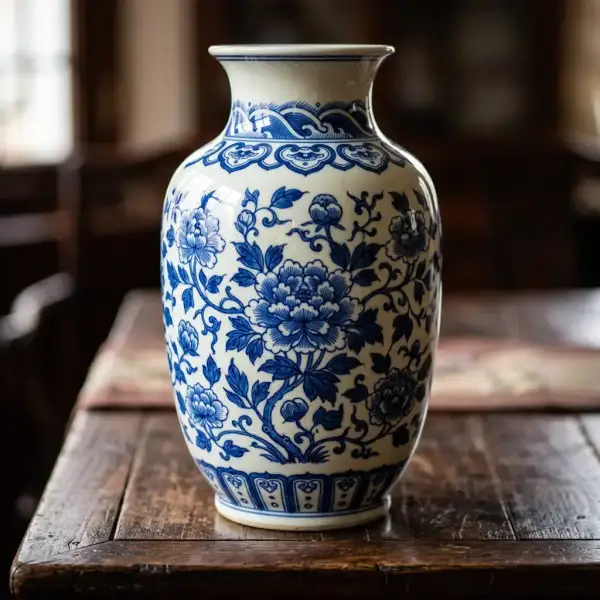
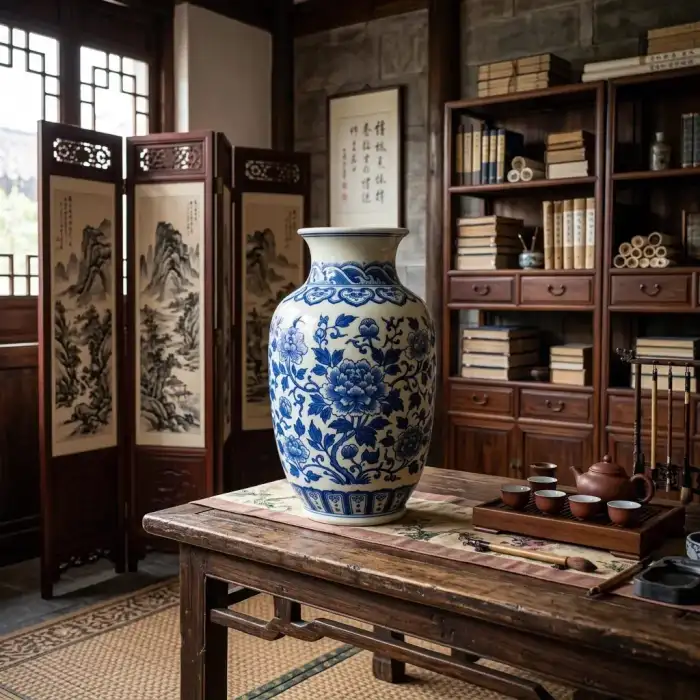
Suitable for these scenarios
Expand the horizontal or square pictures to the target frame such as vertical version or horizontal version, leave space for the title and main body, and check the platform safety area.
Expand the simple background without cutting the main body of the product, and check the product outline, shadow and generation area before officially putting it on the shelf.
Expand background areas such as sky, wall, desktop and landscape, suitable for making wallpaper or poster base map.
Operation path
Frequently asked questions
No. AI can only infer content that may appear outside the boundary based on the color, texture, and semantics of the original image, and the generated results cannot be used as real scenes or evidence.
When the expansion range is large or the surrounding reference information is insufficient, AI may copy similar textures. You can reduce the expansion ratio or use the original image with a simpler background.
Not guaranteed. The other half generated is model speculation, which may change identity characteristics and is not suitable for documents, news, evidence collection, or other purposes that require authenticity.