New preview of clothing
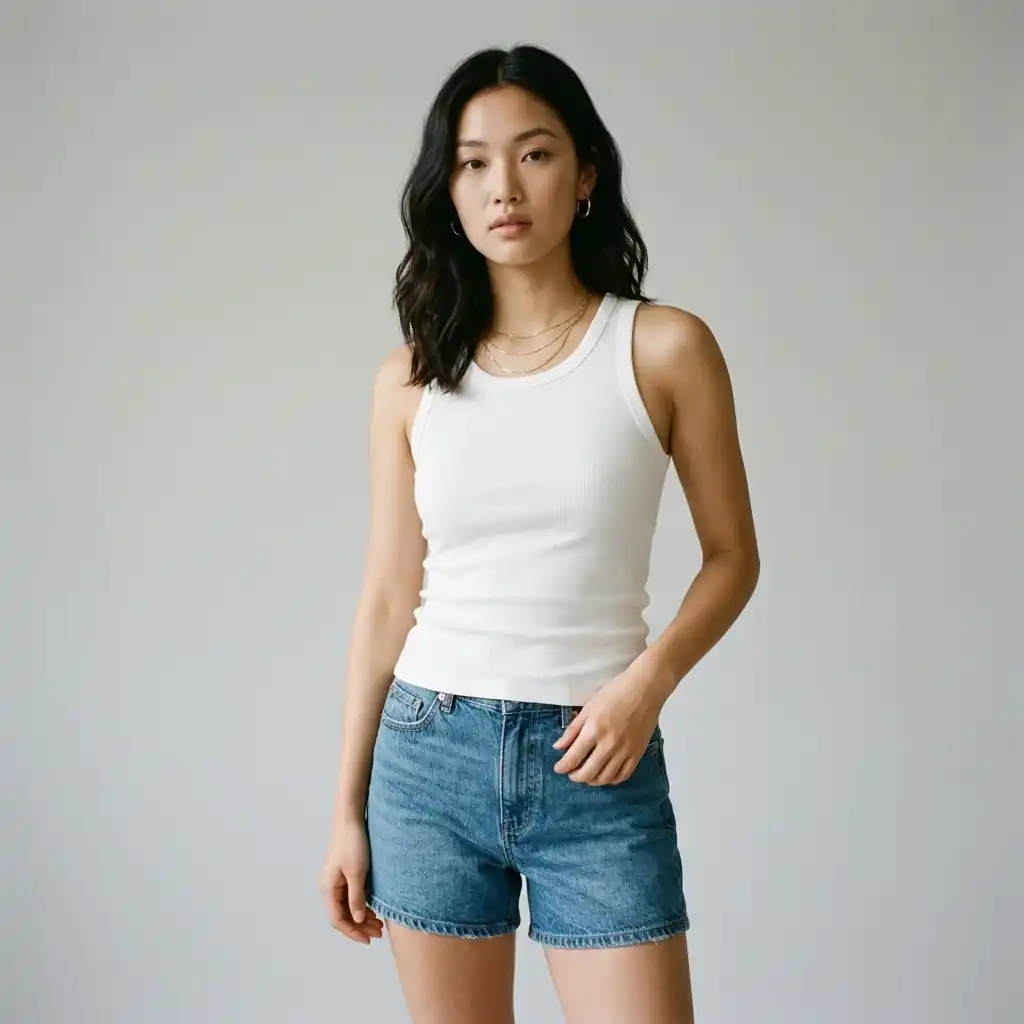
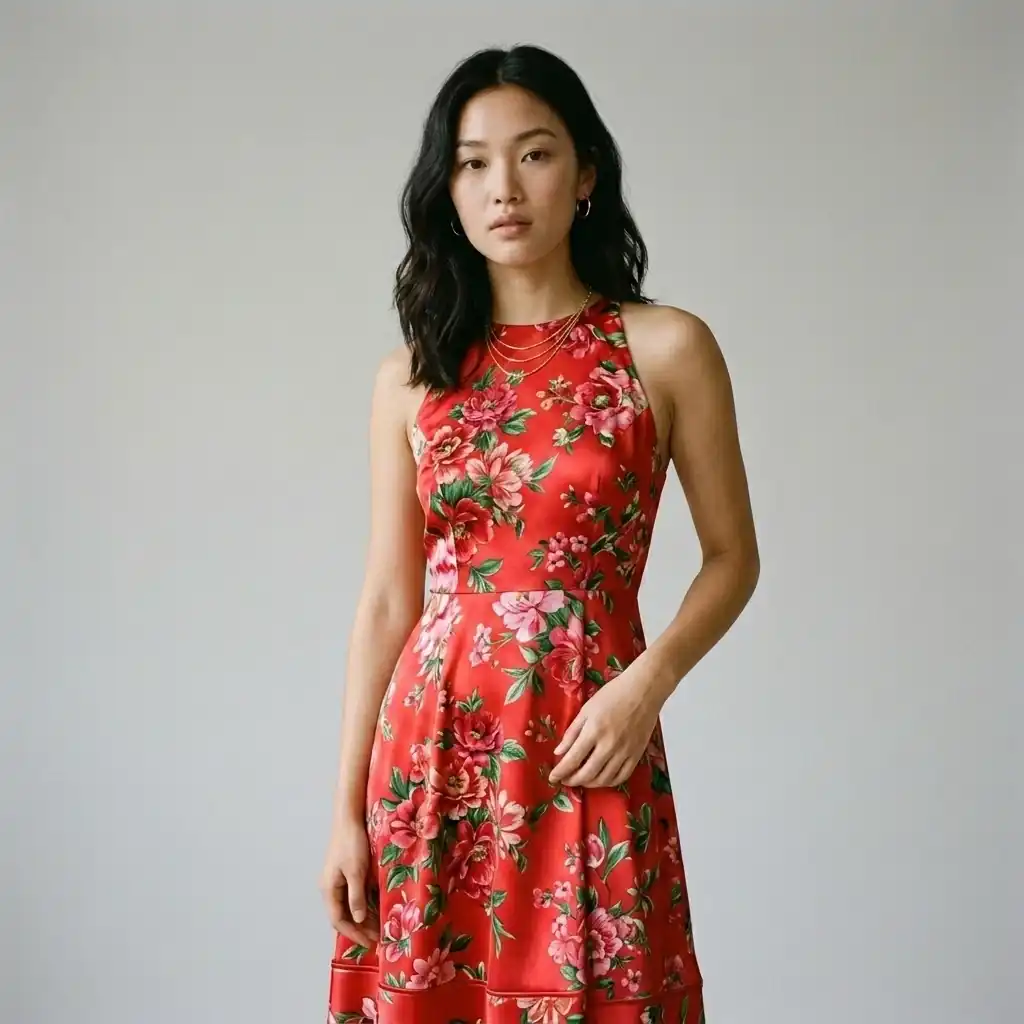
Generate a draft of the upper body composition before the official shooting, compare different models, backgrounds and matching directions, and screen the solutions that need to be continued.
 Restoring your images and input…
Special topic on e-commerce model dressing up
Upload authorized model photos and clothing pictures, and AI will generate a visual preview of the upper body of the clothing, which is suitable for new picture selection, matching testing and e-commerce content drafts. The result is a generated image, and the fit, pattern, collar, cuffs, occlusion and character features should be checked before official release.
Suitable for these scenarios
Generate a draft of the upper body composition before the official shooting, compare different models, backgrounds and matching directions, and screen the solutions that need to be continued.
Use clothing tiles or mannequins to preview the approximate outfit effect, but the actual size, pattern and fabric drape cannot be judged based on this.
On the premise of obtaining portrait and material authorization, try different model materials to produce localized display pictures, and manually check the characters and clothing details.
Operation path
Frequently asked questions
Not guaranteed. AI will refer to the original image to generate the upper body structure. Complex prints, text, pinstripes and pleats may change. Brand product images must be enlarged and checked.
Not recommended. It is suitable for visual preview, program screening and operation draft, but cannot accurately prove the size, pattern, fabric thickness and real wearing effect.
Standing postures that are frontal or slightly sideways, with a complete torso and arms that do not block the main body of the clothing are generally more stable; large bends, crossed arms, and complex movements are more likely to deform.