Avatar and social media creative picture
Generate trendy style pictures of yourself or a portrait that has been authorized by the portrait, for social avatars, festival content and personal creative display.
 Restoring your images and input…
3D figure renderings generation special topic
Upload the portrait, pet or product reference picture that you have the right to use, select the style of the figure and supplement the appearance requirements, and AI will generate a two-dimensional rendering with the texture of plastic, clay or trendy rendering. It is suitable for visual creativity and concept preview, and is not a 3D model file that can be rotated, printed or molded.
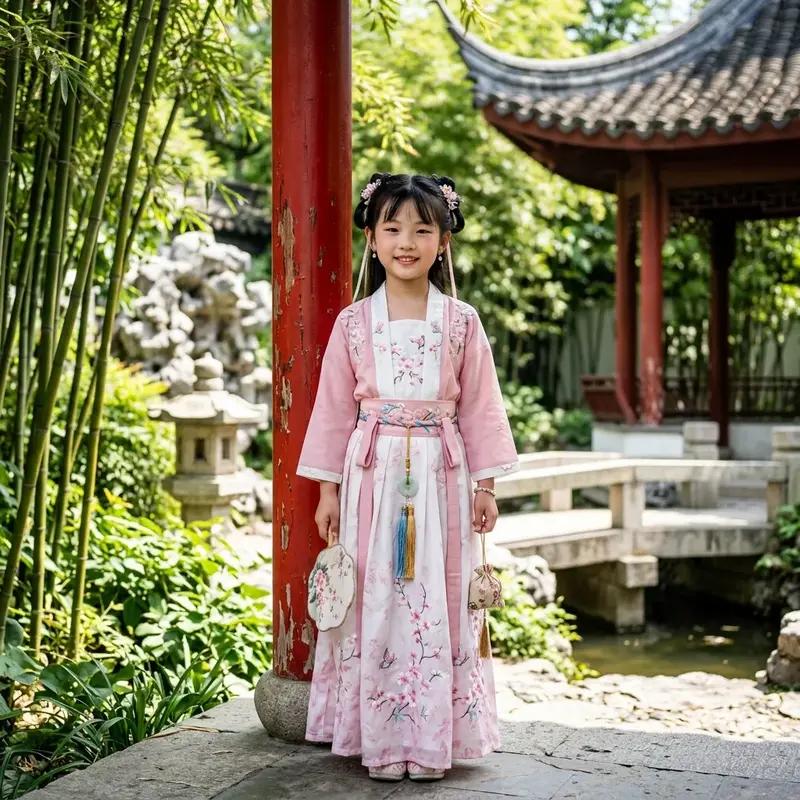
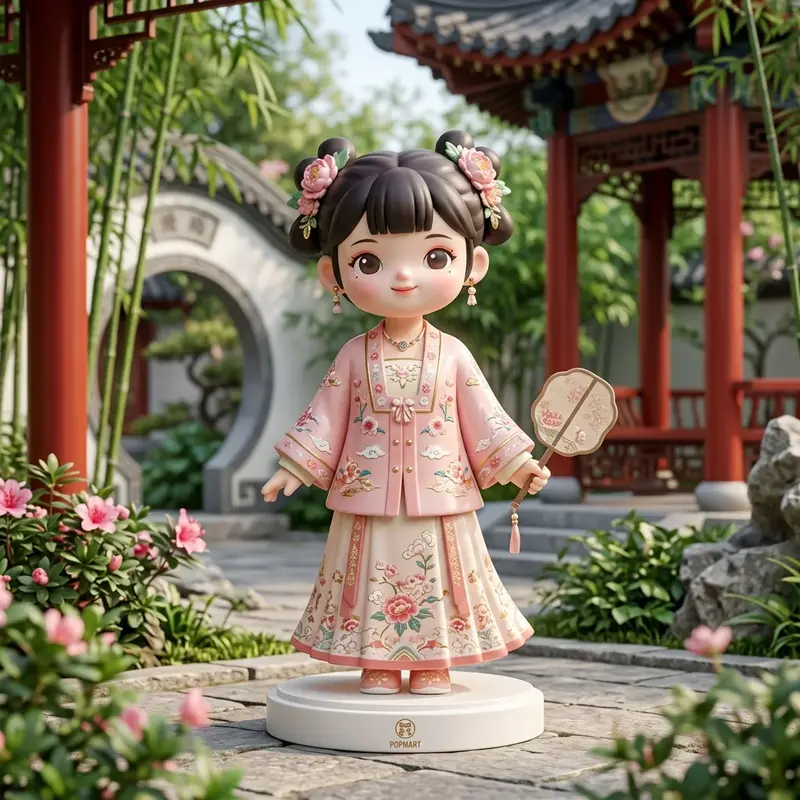
Suitable for these scenarios
Generate trendy style pictures of yourself or a portrait that has been authorized by the portrait, for social avatars, festival content and personal creative display.
Generate a doll rendering based on your own pet photos, and check whether the coat color, pattern, ears and accessories still match the reference image.
Make visual direction sketches for your own brand mascots and original characters, and subsequent production still requires professional modeling, structural design and proofing.
Operation path
Frequently asked questions
No. What is currently generated is a two-dimensional image rendering with a 3D rendering texture. It cannot be rotated for viewing, nor can it be directly used for 3D printing, mold opening, or game modeling.
Different. The generation process is random, and poses, lighting, materials, and local details may change. You should select the version that best matches the reference image and check it manually.
Not recommended. Physical production also requires front and back views, dimensions, structure, materials and manufacturability design, which should be completed by professional modeling and proofing personnel.