E-commerce main image sceneization
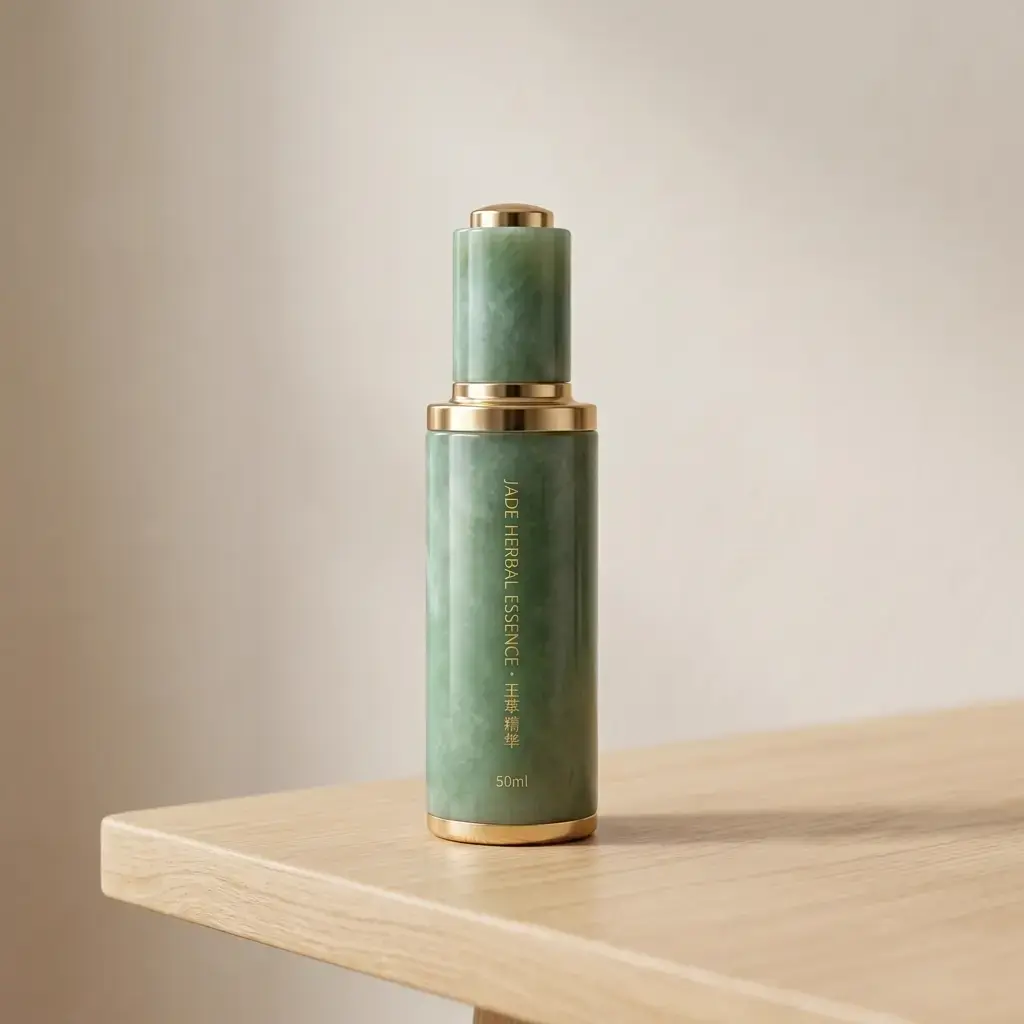
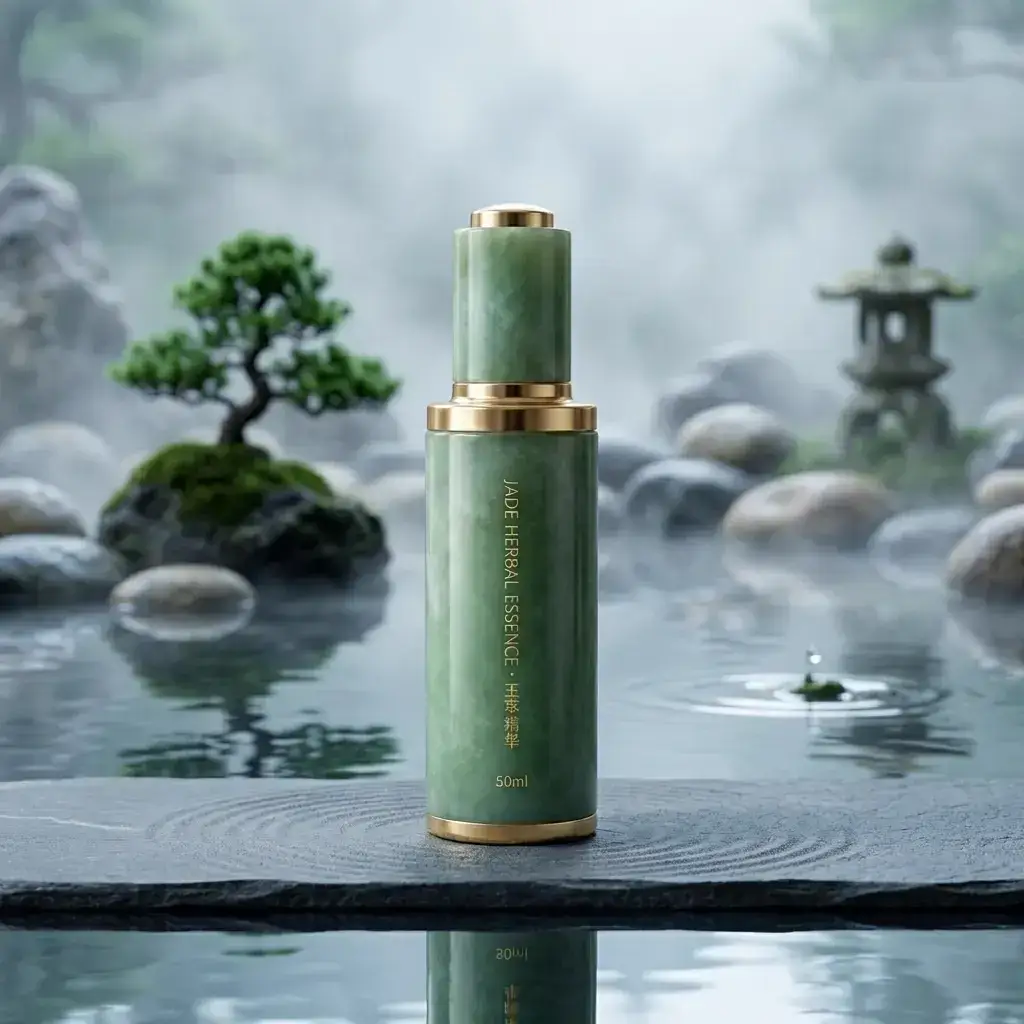
Ordinary shooting pictures can be replaced with desktop, studio, home, outdoor and other backgrounds to make the product closer to the real usage scene.
 Restoring your images and input…
Product change background online production special topic
After uploading product photos, the subject is automatically cut out and replaced with a solid color background, studio background, lifestyle scene or holiday promotion background. It is suitable for Taobao, Pinduoduo, cross-border e-commerce, Xiaohongshu and private domain product images to quickly generate high-quality main images, detailed images and marketing materials.
Suitable for these scenarios
Ordinary shooting pictures can be replaced with desktop, studio, home, outdoor and other backgrounds to make the product closer to the real usage scene.
When large promotions, new releases, and holiday marketing require the rapid production of multiple sets of visuals, different background versions can be generated based on the same product.
Using consistent backgrounds for multiple SKUs, multiple angles, or multiple products can enhance the professional feel of store list pages and detail pages.
Clothing models, professional avatars, and image photos can also be replaced with office, studio, or lifestyle backgrounds.
Operation path
Frequently asked questions
The white background image of the product is more suitable for the platform standard main image and event registration; the product background change is more suitable for generating lifestyle scenes, studio images and marketing materials.
Will try to generate or retain shadows according to the picture, but it is still recommended to check whether the product has a floating feeling before downloading, especially the desktop, ground and reflective materials.
You can try, but this type of product has higher requirements for edges, reflection and light transmission. It is recommended to use high-definition original images and enlarge to check the details.
Yes. A single picture is suitable for testing the style first. When the same batch of SKUs needs to be unified visually, it is recommended to enter the batch background change tool.
It is suitable for product main pictures, detail pictures and marketing matching pictures, but different platforms have different requirements for background, text, size and volume. Before uploading, they must be checked according to the platform rules.