Portrait photography later stage
Photos taken with mobile phones have no blurring effect? AI helps you add SLR-level depth of field blur with one click.
 Restoring your images and input…
AI depth of field special effects
One-click to realize the blur effect of a large aperture SLR camera, intelligently identify portraits and product subjects, and make the background soft and highlight the focus.
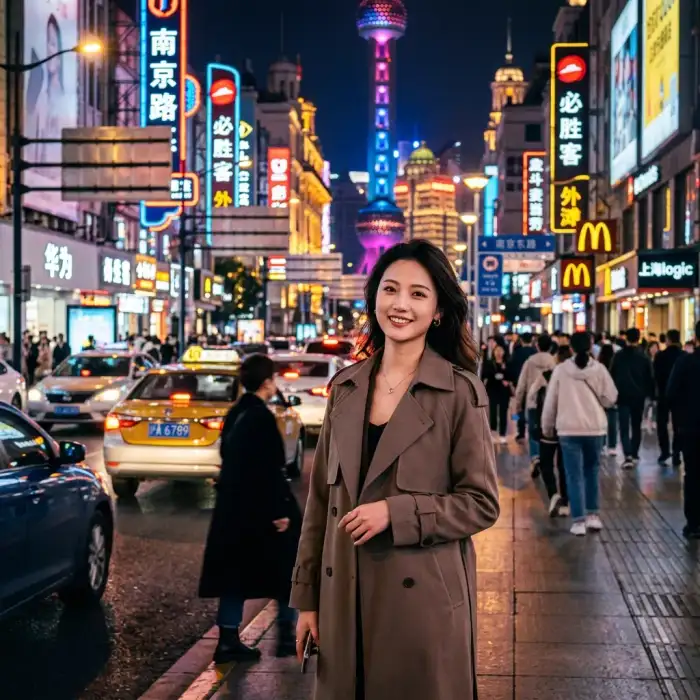
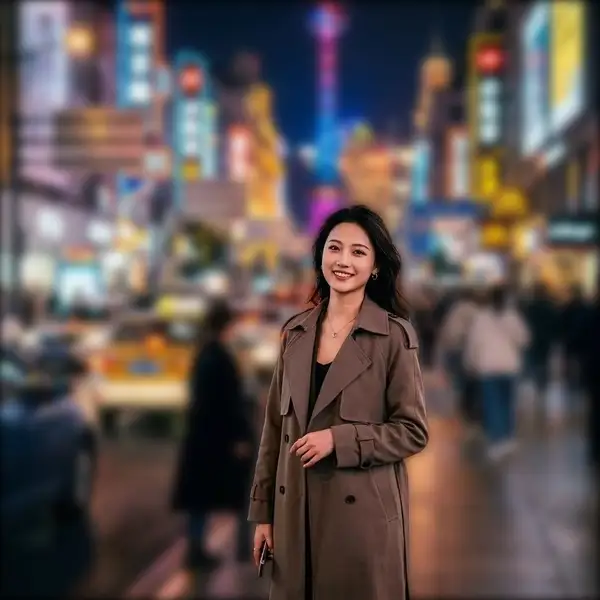
Suitable for these scenarios
Photos taken with mobile phones have no blurring effect? AI helps you add SLR-level depth of field blur with one click.
Blurring the background makes the main body of the product more eye-catching and improves the texture of e-commerce pictures.
Add a blurred background to avatars or social photos to make the portrait more three-dimensional and professional.
Operation path
Frequently asked questions
In addition to people, it can also better identify significant subjects such as animals and commodities and blur the background.
Using advanced depth estimation algorithms, the transition between the subject and the background edge is very natural and smooth.