UI and visual design inspiration
Extract representative colors from reference images and own visual materials as a starting point for design system color matching discussions.
 Restoring your images and input…
Designer Tools
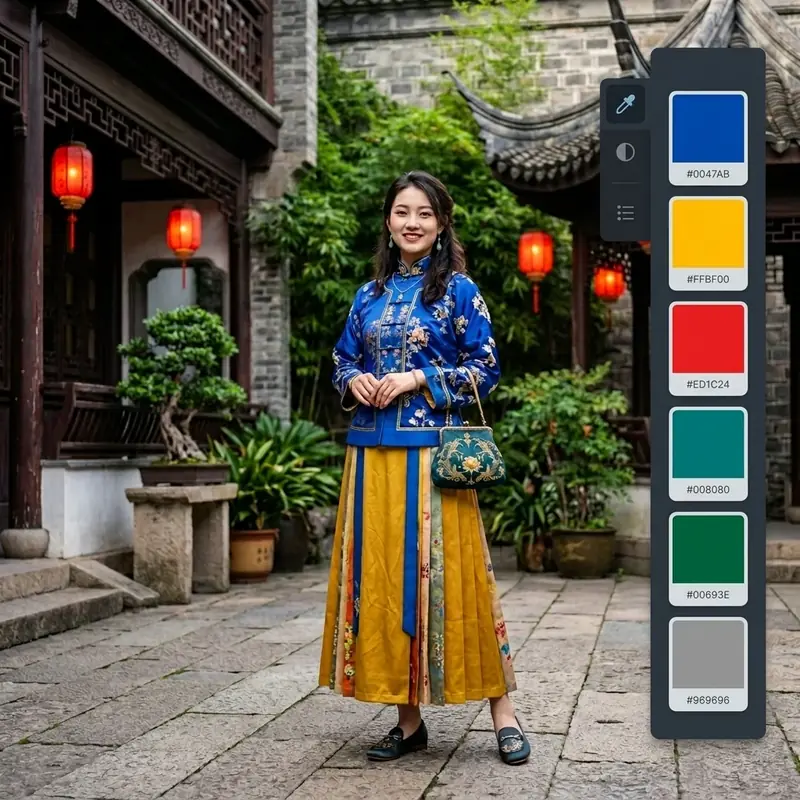
Thumbnail sampling of images locally in the browser, extracting 5, 8 or 10 representative colors, supporting supplementary colors with straws, copying CSS variables, downloading CSS files and exporting color card PNGs. The results are suitable as design inspiration and are not equivalent to color-calibrated brand or printing standards.

Suitable for these scenarios
Extract representative colors from reference images and own visual materials as a starting point for design system color matching discussions.
Compare the main colors of product pictures, activity pictures and brand materials, and then manually select the color that is more suitable for the operation page.
Generate CSS variables that can be copied or downloaded and checked for text contrast and accessibility in real pages.
Operation path
Frequently asked questions
Not necessarily. The tool shrinks the image and buckets and sorts the colors. The result is a representative primary color, suitable for design reference rather than precision color measurement.
Small-area colors account for a low proportion of the overall sampling and may not enter the first few main colors. You can use the eyedropper to select the logo area and add a color card.
It is not recommended to use it directly. Screen RGB/HEX behaves differently than printed CMYK, paper and ink and should be professionally color converted and proofed.