Moments and Xiaohongshu sharing
Arrange travel, party or life photos into square pictures, 4:5 or vertical stories, and check the latest size and crop preview on the platform before publishing.
 Restoring your images and input…
Picture collage tool
Select 2 to 9 pictures and create grids, posters, scattered puzzles, friend circles, little red books, vertical stories, polaroids or freely placed puzzles locally in the browser. Adjust crop position, spacing, rounded corners, background, text and stickers, and export to JPG, PNG or WebP.
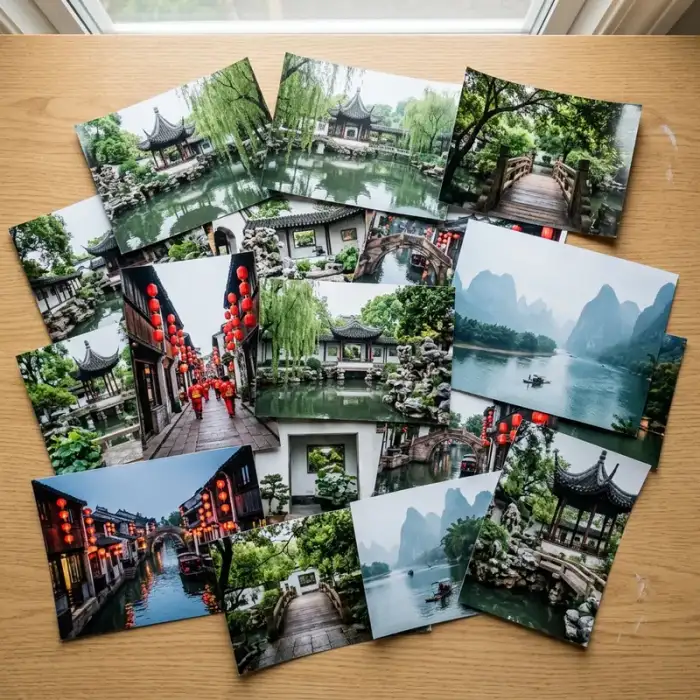
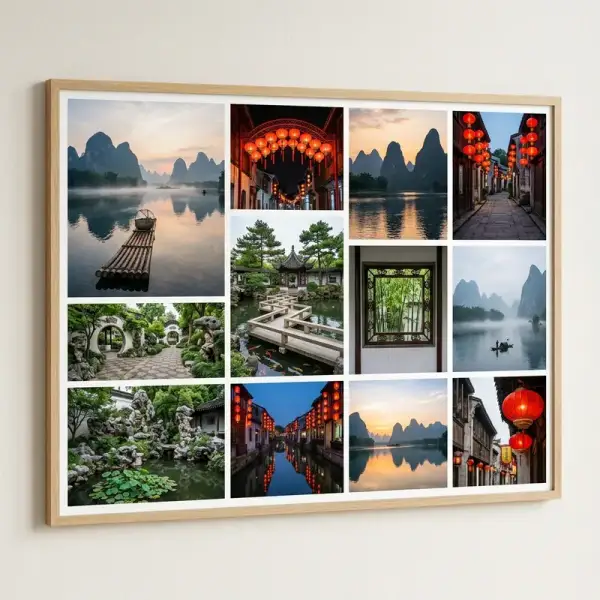
Suitable for these scenarios
Arrange travel, party or life photos into square pictures, 4:5 or vertical stories, and check the latest size and crop preview on the platform before publishing.
Combine the front, details and usage scenarios of your own products into a display picture, and retain enough white space to prevent the main body from being cut by the template.
Use posters, scattered, polaroid or free placement layouts to organize design references, and you can also add simple text and stickers.
Operation path
Frequently asked questions
The current tool supports 2 to 9 pictures at a time. Although the number of images is limited, high-resolution materials will still occupy more browser memory.
The reading, typesetting and Canvas synthesis of the current pattern puzzle are all completed locally in the browser, without calling the image upload interface.
Templates may be cropped using overlays, and exports will also be redrawn and encoded to the selected canvas size. Low-resolution image enlargement, JPG/WebP quality settings, and platform secondary compression will all affect the final effect.