Product details long picture split
Set the height of each sheet according to the current size requirements of the target platform, and check the text, module boundaries and file volume before uploading.
 Restoring your images and input…
Image segmentation tool
Upload a JPG, PNG, WebP or BMP long picture, and split it locally in the browser according to a fixed height, a specified number of copies, or a manual cutting line; you can also use intelligent identification lines to find possible splicing positions, and then manually fine-tune it. Slices are re-encoded sequentially and packaged as a ZIP download.
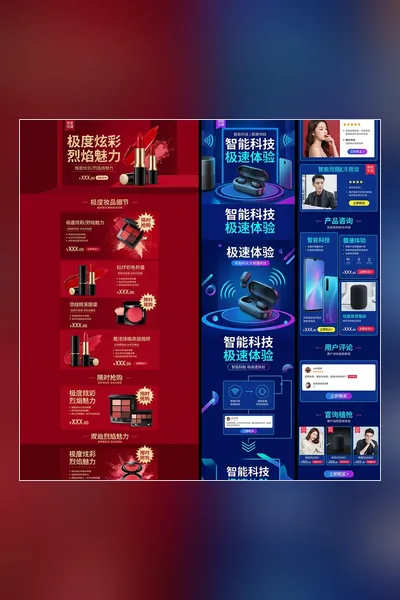
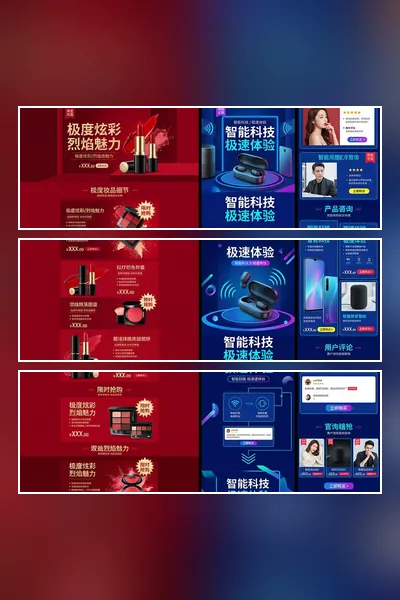
Suitable for these scenarios
Set the height of each sheet according to the current size requirements of the target platform, and check the text, module boundaries and file volume before uploading.
Divide the long picture into equal parts, or use manual cutting lines to avoid faces, titles and key content.
Dividing your own tutorials, flowcharts or long page screenshots into small images that are easy to read and send is not equivalent to printable document layout.
Operation path
Frequently asked questions
The tool will generate slices one by one locally in the browser, and write them into a ZIP compressed package in the order of slice_01, slice_02, etc.
Not guaranteed. The recognition results are based on changes in the edges of the screen and are only used to assist positioning; they need to be checked in the preview and adjusted manually to avoid cutting into text, people or the main body of the product.
Not necessarily. Tiles are re-encoded by Canvas, JPG/WebP quality settings affect detail, and original metadata is often not preserved; PNG files can become significantly larger.