Clothing, shoes and bags multi-color SKU preview
Use a clearly structured product image to preview different colors, and then check it with real product photos or color cards to decide whether to put it on the shelves.
 Restoring your images and input…
AI product color change special topic
Select the main body of the product or a designated area, and generate different color previews through color presets, customized color values or text descriptions. AI will try to preserve the outline, light, shadow, and material of the original image, but the results still need to be verified one by one with the real SKU, color card, and brand details.
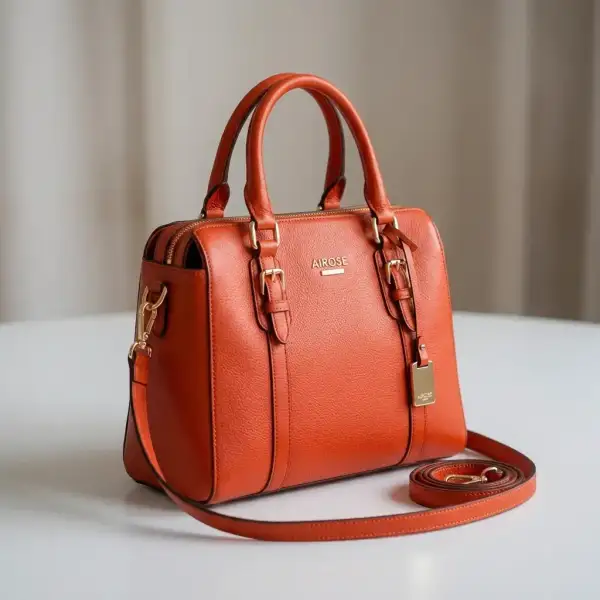
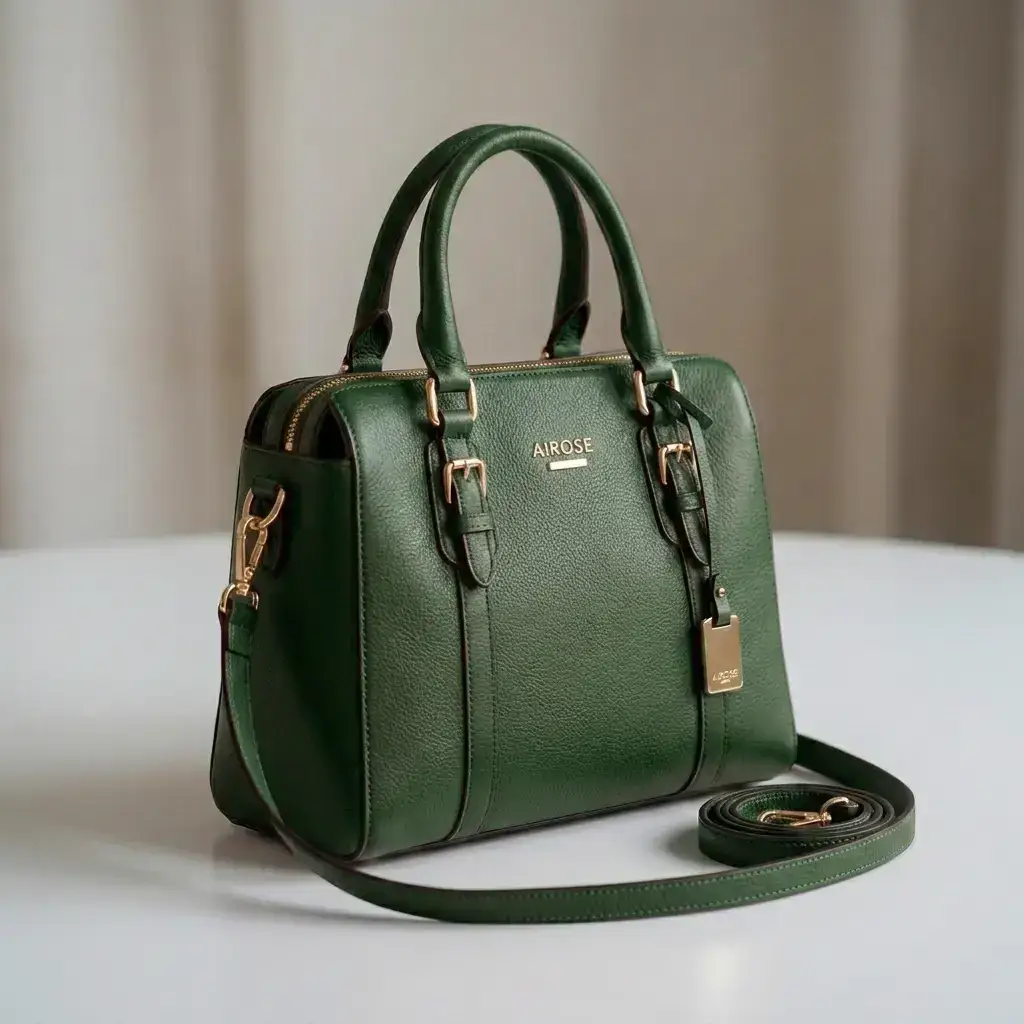
Suitable for these scenarios
Use a clearly structured product image to preview different colors, and then check it with real product photos or color cards to decide whether to put it on the shelves.
Generate color scheme diagrams of sofas, home appliances or car appearances, which are used for communication and scheme screening, and are not used as proof of real materials and paint effects.
Adjust the main colors in self-owned or authorized materials to make the activity diagram close to the brand color system, and check whether the logo, text and accessories have been mistakenly changed.
Operation path
Frequently asked questions
The tool will try to retain textures, shadows and highlights, but materials such as silk, leather, metal, and transparent parts may change and cannot be guaranteed to be completely consistent with the real thing.
It is possible to try, but the black-and-white conversion span is large, the texture information of the dark or bright parts of the original image may be insufficient, and plasticity, gray edges or abnormal highlights may easily occur.
No. The color value will also be affected by the light of the original image, camera color, image compression and user display equipment. You should use physical photos or calibrated color cards to review before officially putting it on the shelves.