Secondary arrangement of own materials
Clean up old watermarks, dates, annotations, stickers or occlusions that you have added to make historical materials available again.
 Restoring your images and input…
Operation material cleaning special topic
After uploading the image, watermarks, text, logos, dates, stickers and redundant obstructions are cleaned online, and AI automatically completes the background texture. Suitable for organizing self-owned materials, authorized product pictures, course screenshots, office materials and operation pictures. Please only process images that you own the rights to or have been authorized to use.
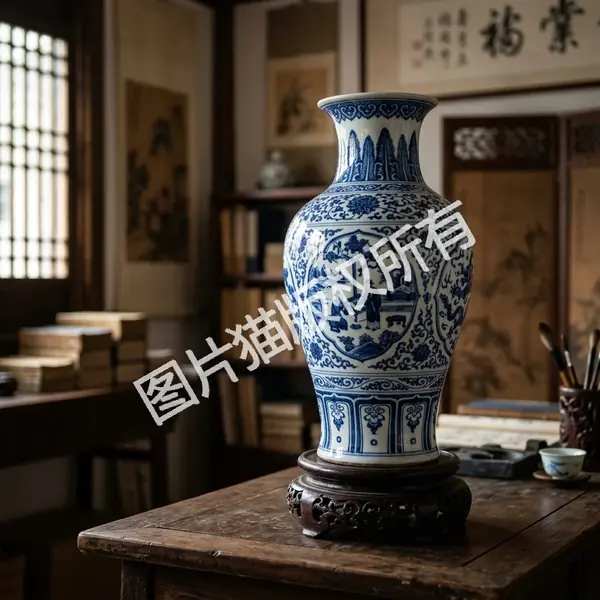

Suitable for these scenarios
Clean up old watermarks, dates, annotations, stickers or occlusions that you have added to make historical materials available again.
If the product images authorized by suppliers or brands contain expired event words, corner labels or old logos, they can be cleaned up and then released uniformly.
Clean up redundant annotations, timestamps, subtitles or blocked areas on screenshots to make data reading, archiving and sharing clearer.
Before the Xiaohongshu cover, public account pictures and short content materials are released, stickers, dates and redundant text that affect reading can be cleaned up.
Operation path
Frequently asked questions
Technically, many types of occlusions can be processed, but in use, only pictures that are owned, authorized, or within the scope of fair use should be processed.
If the watermark covers a large area of texture, face, text or key details of the product, AI needs to reconstruct the content, and the result may be blurred or deformed.
It is suitable for the same batch of authorized product pictures, operation pictures or historical materials to be cleaned up uniformly, but it is still recommended to randomly check the key areas of each picture.
Watermark removal is more suitable for blockers such as corner marks, watermarks, logos, dates, etc.; if it is mainly poster text, screenshot copywriting or subtitles, you can use the text elimination tool to focus more.
It is recommended to deal with a small area first and then enlarge the inspection. When the key information of the subject is blocked in a large area, AI can only complete it based on the surrounding content, and cannot guarantee that the true details can be fully restored.
Whether it can be used commercially depends on the copyright of the original image and the scope of authorization. Tool processing does not mean obtaining copyright authorization.