Cross-border commodity map localization
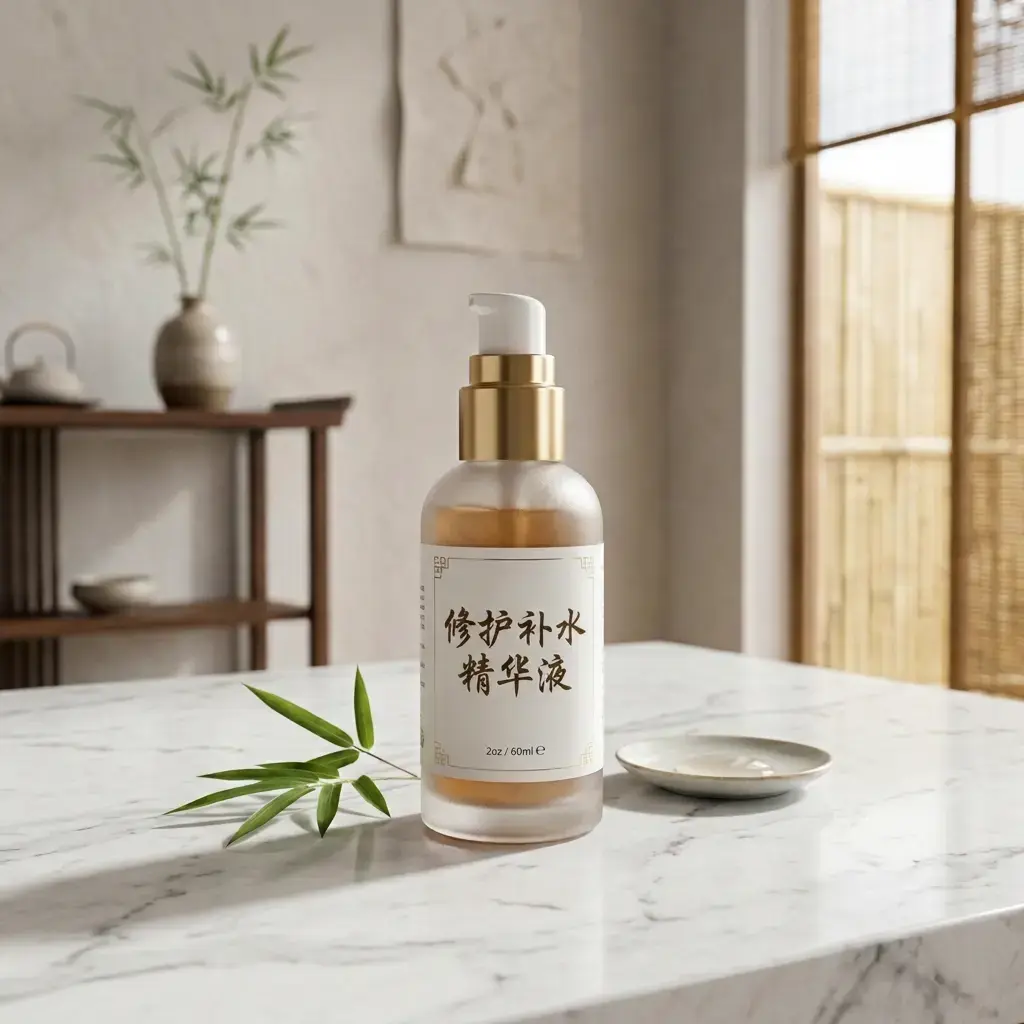
Translate self-owned or authorized product main pictures, detail pictures and activity pictures, and manually proofread brand names, specifications, units and marketing statements.
 Restoring your images and input…
Cross-border e-commerce picture translation special topic
Identify text in product pictures, posters, explanatory pictures and scanned pictures, and try to erase the original text and backfill the translation after translation. The entire process includes OCR, translation, background repair and rearrangement. The text and images need to be checked one by one before official release.

Suitable for these scenarios
Translate self-owned or authorized product main pictures, detail pictures and activity pictures, and manually proofread brand names, specifications, units and marketing statements.
Convert foreign language illustrations, scans and charts into easy-to-read translated images. Important technical content still needs to be reviewed by professionals.
Translate authorized posters, comic bubbles and social media graphics, and check the font size and line breaks after backfilling long and short text.
Operation path
Frequently asked questions
The tool provides a variety of commonly used language directions and custom language selections. The specific available languages are subject to the current options on the page; minor languages and professional terms still require manual proofreading.
Different languages have different text lengths and sentence segmentation methods. The system will adjust the font size and line breaks to adapt to the original region, so it cannot be guaranteed to be completely consistent with the original format.
Solid colors and simple textures are easier to repair; gradients, characters, product edges and complex patterns may have blurred or repeated textures, which require enlarged inspection or manual modification.