Facial improvement in blurred group photos
Improve the blurring of faces in group photos caused by long distances, slight jitter or insufficient lighting, and check the characteristics of each face one by one.
 Restoring your images and input…
Picture restoration
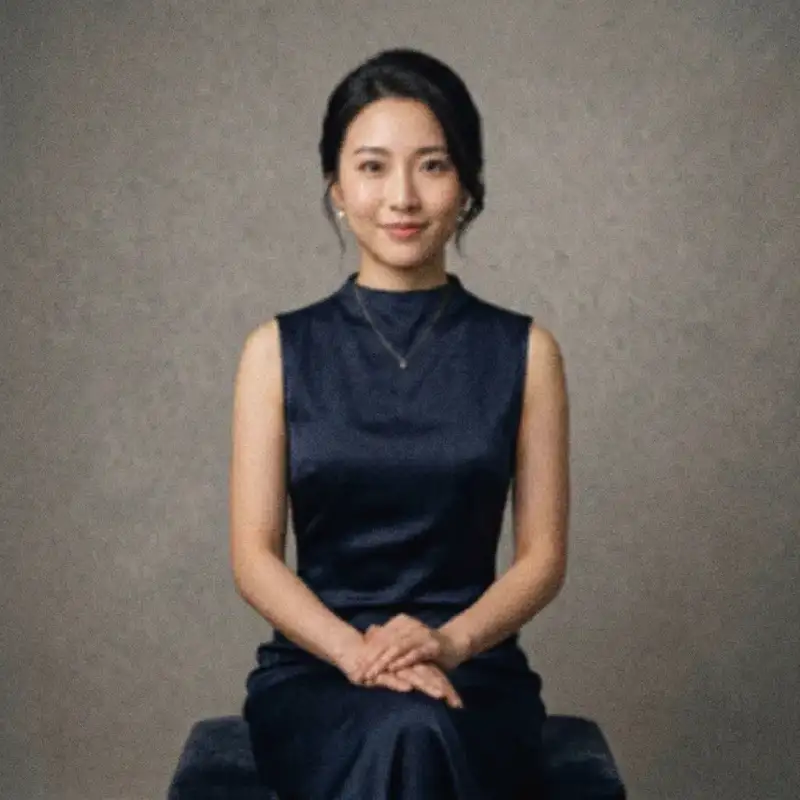
Aiming at enhancing the contours and local details of identifiable faces in photos, it is suitable for improving facial areas in blurred avatars, low-definition selfies and group photos. When there is insufficient information in the original image, the added details are based on AI speculation, and you should check whether they still match the true characteristics of the characters before saving.

Suitable for these scenarios
Improve the blurring of faces in group photos caused by long distances, slight jitter or insufficient lighting, and check the characteristics of each face one by one.
Improve the clarity of selfies and avatars after compression on old mobile phones, front-facing cameras or social platforms.
Improve the facial contours of your own ID photos, employee profile photos and character introduction photos, and check the specifications and authenticity before official use.
Operation path
Frequently asked questions
Tools can try to detect multiple faces, but the smaller the person and the more occlusions there are, the more unstable the effect will be. It is recommended to zoom in and check one by one, and crop the single area first if necessary.
When the original image lacks sufficient facial features information, AI will generate inferred details based on training rules, which may change the eyes, teeth or facial texture, so it cannot be regarded as real detail recovery.
When the subject of the picture is a clearly visible human face, portrait restoration is preferred; landscape, commodity, architectural and text pictures are more suitable for general purpose clearing.