Refinement after AI cutout
When the AI automatic cutout edges are not perfect, use a manual brush for fine correction.
 Restoring your images and input…
Fine cutout tool
Use flexible brushes to freely erase excess background of images and fully control the edges of cutout to meet the precise needs of highly customized applications.

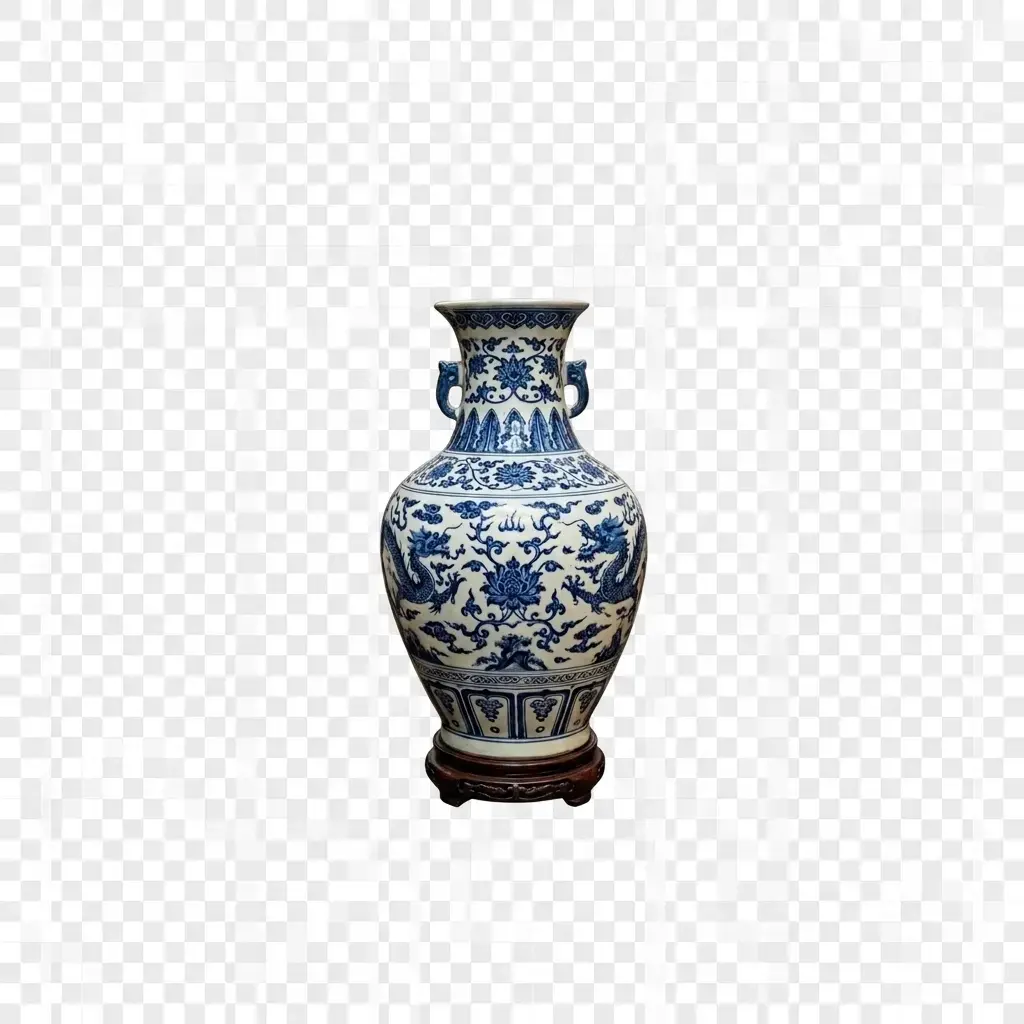
Suitable for these scenarios
When the AI automatic cutout edges are not perfect, use a manual brush for fine correction.
It is necessary to cut out irregular or special-shaped areas, and manual brushes accurately control each pixel.
Freely choose the areas to retain or erase according to your own creativity to create unique effects.
Operation path
Frequently asked questions
You can use the "recovery" brush to re-smear the wrong area just now to recover.
Yes, you can enter manual cutout to repair details when AI cutout encounters complex edges.