Brand change and clean up old logo
Clean up the old Logo in the company's own promotional pictures and product pictures, leaving space for the new version of the brand logo to be rearranged.
 Restoring your images and input…
AI picture elimination special topic
Apply old logos, brand logos, stickers and small logos in your own or authorized pictures, and AI will refer to the surrounding colors and textures to complete the area. Suitable for brand changes, product material updates, and sorting out operational pictures before publishing.
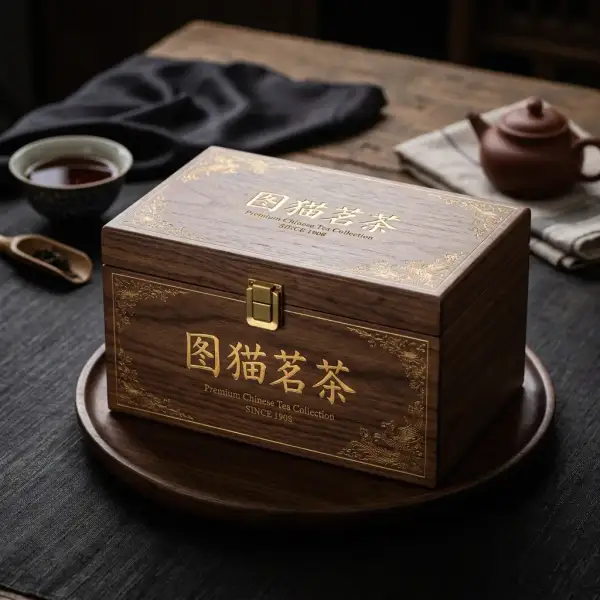
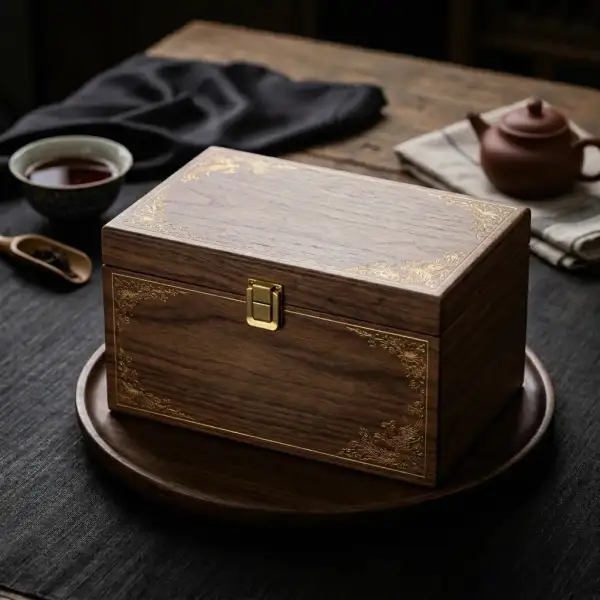
Suitable for these scenarios
Clean up the old Logo in the company's own promotional pictures and product pictures, leaving space for the new version of the brand logo to be rearranged.
Remove expired promotional badges, certification stickers and old event labels from your own product materials.
Organize the small logos in authorized social media covers, course pictures and event materials, and then check whether the background is natural.
Operation path
Frequently asked questions
Logo often contains graphics, strokes and transparency effects; eliminating text focuses on dates, subtitles and ordinary copywriting. Selecting tools by content type makes it easier to control the scope of painting.
Not guaranteed. If the logo covers people, product structures, or complex textures, AI can only infer based on the surrounding content, and blurring, repeated textures, or structural deformation may occur.
Please only process your own pictures or materials that have obtained legal authorization. Do not use tools to circumvent copyright labels or pretend to be the source of materials.