Document photos and scans
Extract text from clearly printed documents, book pages and information photos, and then manually check paragraphs and punctuation.
 Restoring your images and input…
OCR text recognition
Upload screenshots, document photos, posters or product images to the cloud OCR interface, the recognition results will be displayed in the editable text box, and can be copied after proofreading. The current tool is not responsible for restoring the original layout, nor does it have a text file export function.
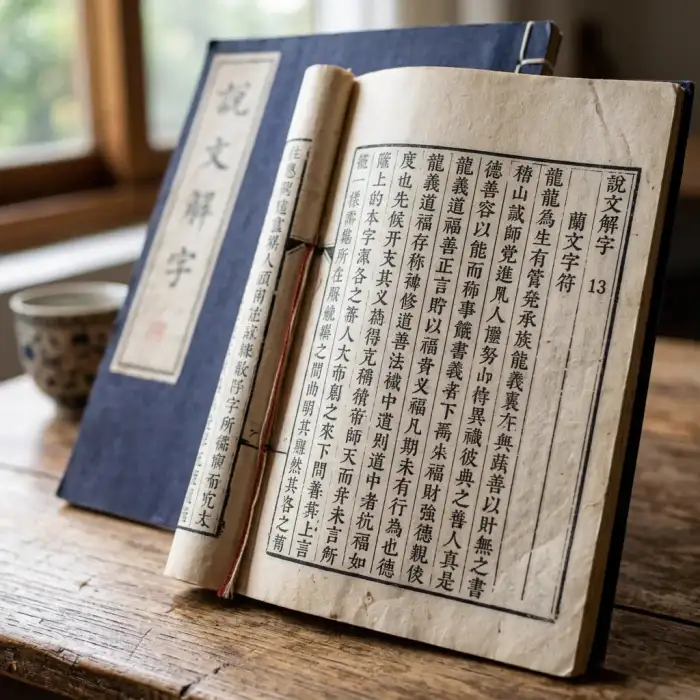
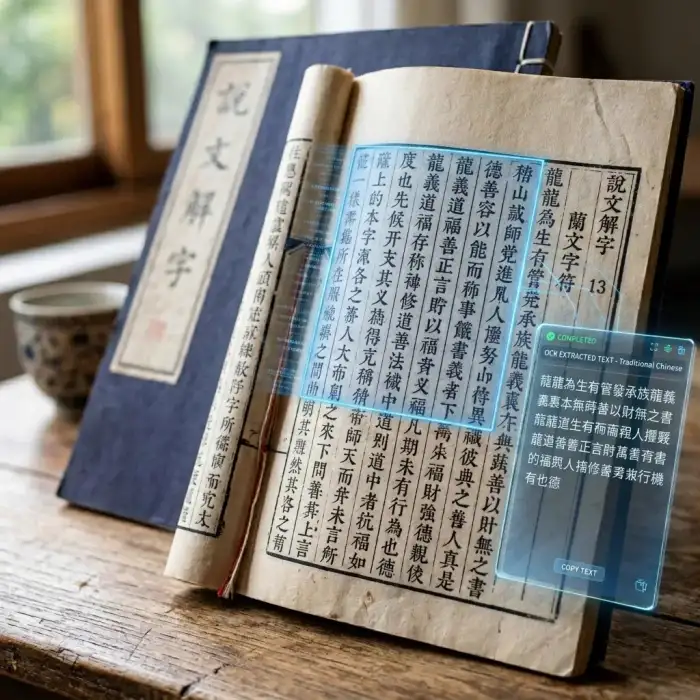
Suitable for these scenarios
Extract text from clearly printed documents, book pages and information photos, and then manually check paragraphs and punctuation.
Extract copyable text from interface screenshots, chat screenshots, and course images. Be cautious before uploading sensitive content.
Extract product specifications, poster titles and operating copy, numbers, prices and units need to be focused on proofreading.
Operation path
Frequently asked questions
The current results are mainly pure text, which cannot guarantee the retention of fonts, coordinates, tables and multi-column structures, and complex typesetting may cause order changes.
The current interface description supports common characters such as Chinese, numbers, and English. The specific recognition effect depends on the font, clarity, and OCR service capabilities.
No. Images are uploaded to the /api/image/ocr cloud interface for identification; use caution when containing sensitive information.