Compressed Blocks and Mild Pixelation
Improve the look and feel of compressed blocks or partial pixelation in old pictures, screenshots, and materials forwarded multiple times.
 Restoring your images and input…
Picture restoration
Use a brush to mark pixelation, compressed blocks, localized blur, and frame defects in your own or licensed images, and AI will generate visual patches based on surrounding content. The real pixels covered by the mosaic have been lost, and the result is a speculative picture rather than decoding or recovering the original information.
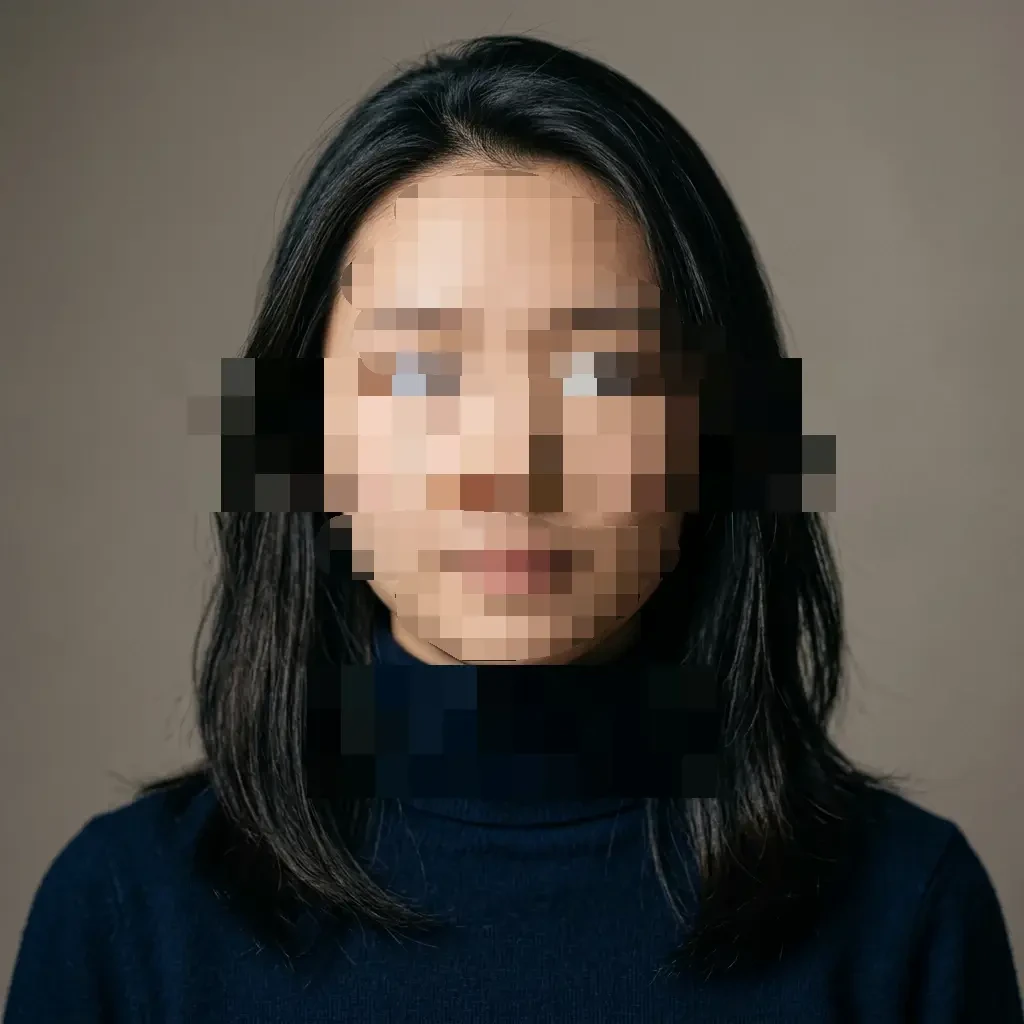

Suitable for these scenarios
Improve the look and feel of compressed blocks or partial pixelation in old pictures, screenshots, and materials forwarded multiple times.
Repair small areas of missing images on backgrounds, walls, desktops and ordinary objects, and check whether the generated textures are coordinated.
Dealing with partial occlusions and picture defects in pictures created by me or authorized is not used to reveal information that others have deliberately hidden.
Operation path
Frequently asked questions
No. The original pixels have been overwritten and the AI can only generate what looks reasonable based on the surrounding footage, and the result may be completely different from the original footage.
Should not be used in this way. The tool cannot truly recover obscured information, nor should it be used to attempt to identify anonymized people, accounts, documents, or other private content.
Small-area backgrounds, simple textures, and ordinary objects are easier to coordinate; large-area occlusions, faces, text, and regular structures are more likely to generate erroneous content.